

Appearance
Skip to content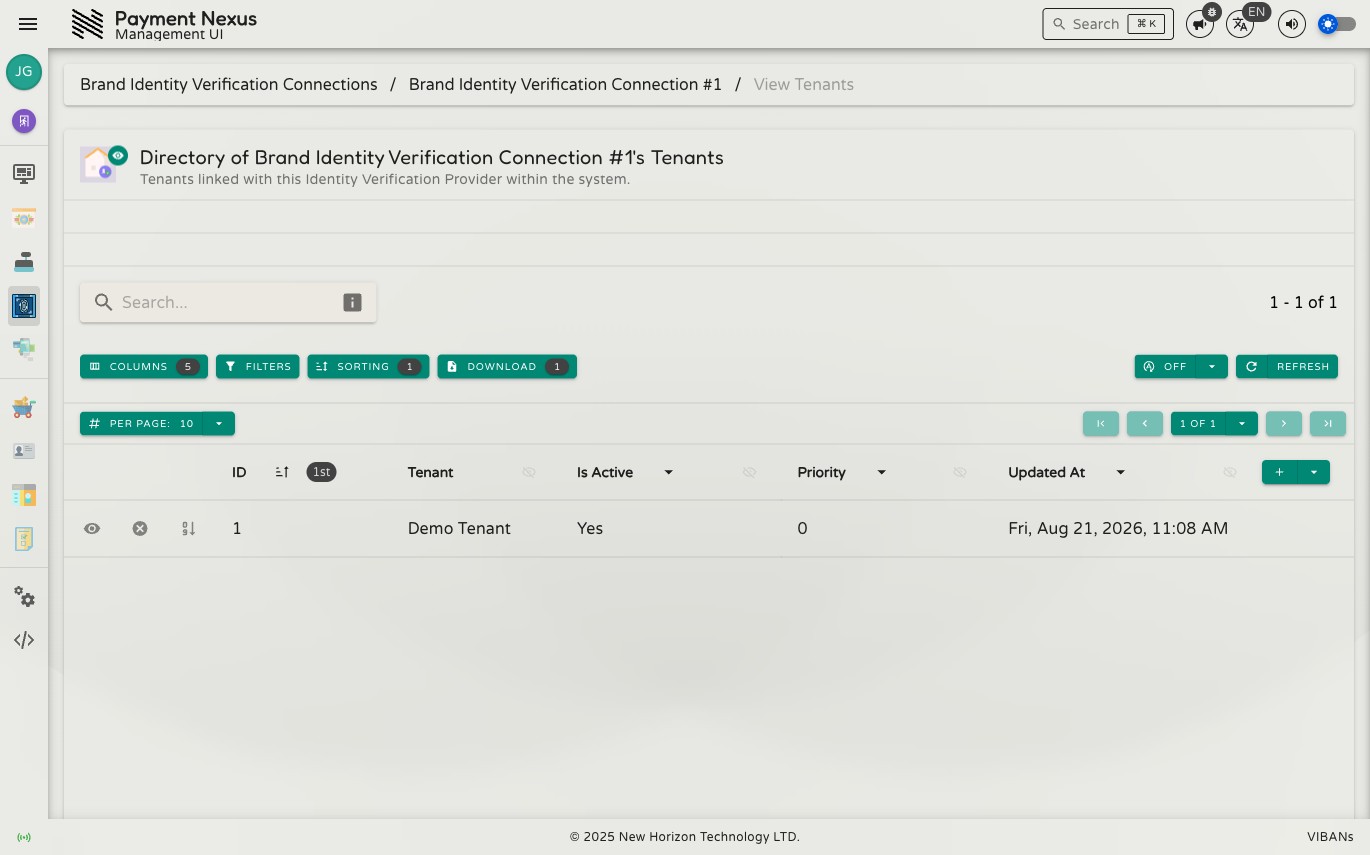
Linked Tenants
The Linked Tenants page lists every brand connected to this identity verification provider account.
Permissions
| Action | Permission required |
|---|---|
| View connected tenants | integrations:kyc:read |
| Connect or disconnect a tenant | integrations:kyc:update |
Directory columns
| Column | Description |
|---|---|
| ID | Internal identifier for this connection |
| Tenant | The connected brand |
| Is Active | Whether this connection is currently in use |
| Priority | The order this provider is tried in, relative to other providers connected to the same brand |
| Updated At | When the connection was last modified |
Lower priority is tried first
A lower priority number means this provider is checked before providers with a higher number, for the same brand. This is the same connection this brand manages from its own side on Identity Verification — set the priority from either page, they show the same value.
Row actions
| Action | Description |
|---|---|
| Activate / Deactivate | Turn this connection on or off without removing it |
| Set Priority | Change the order this provider is tried in for the connected brand |