

Appearance
Skip to content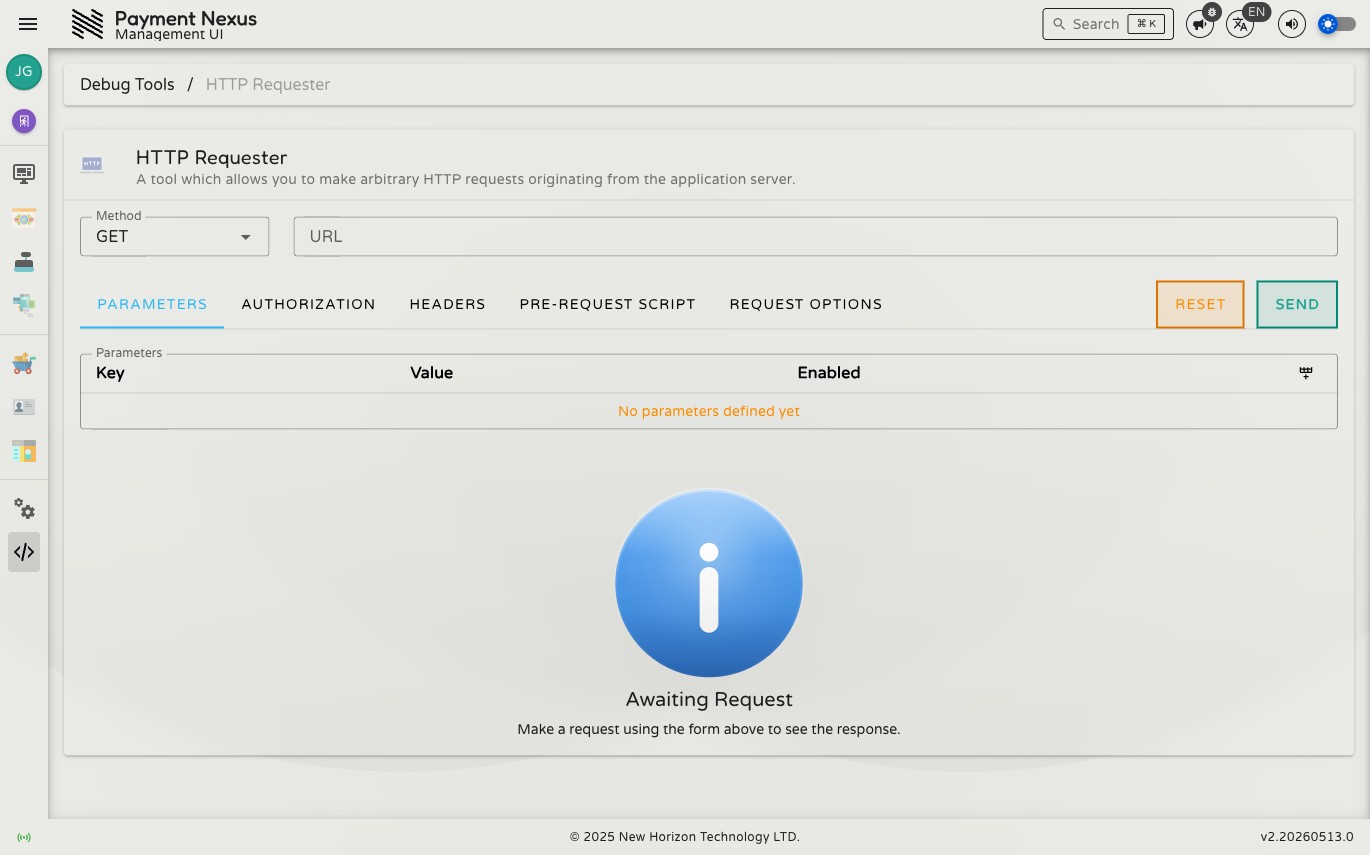
HTTP Requester
The HTTP Requester is a Postman-style request builder built into Payment Nexus. Unlike a local tool, requests originate from the application server — meaning the server's IP address, DNS resolution, and network access apply, not yours. Use it to test PSP and CRM endpoints exactly as the application would hit them, or diagnose connectivity issues without leaving the portal.
WARNING
Requests are made from the server, not your browser. This is intentional — but it also means any request you send has the same network reach as the application itself.
Permissions
| Action | Permission required |
|---|---|
| Use the HTTP Requester | postman:access + application:administer |
Making a request
- Select the HTTP Method (GET, POST, PUT, PATCH, DELETE, HEAD)
- Enter the target URL
- Configure any of the tabs below as needed
- Click Send
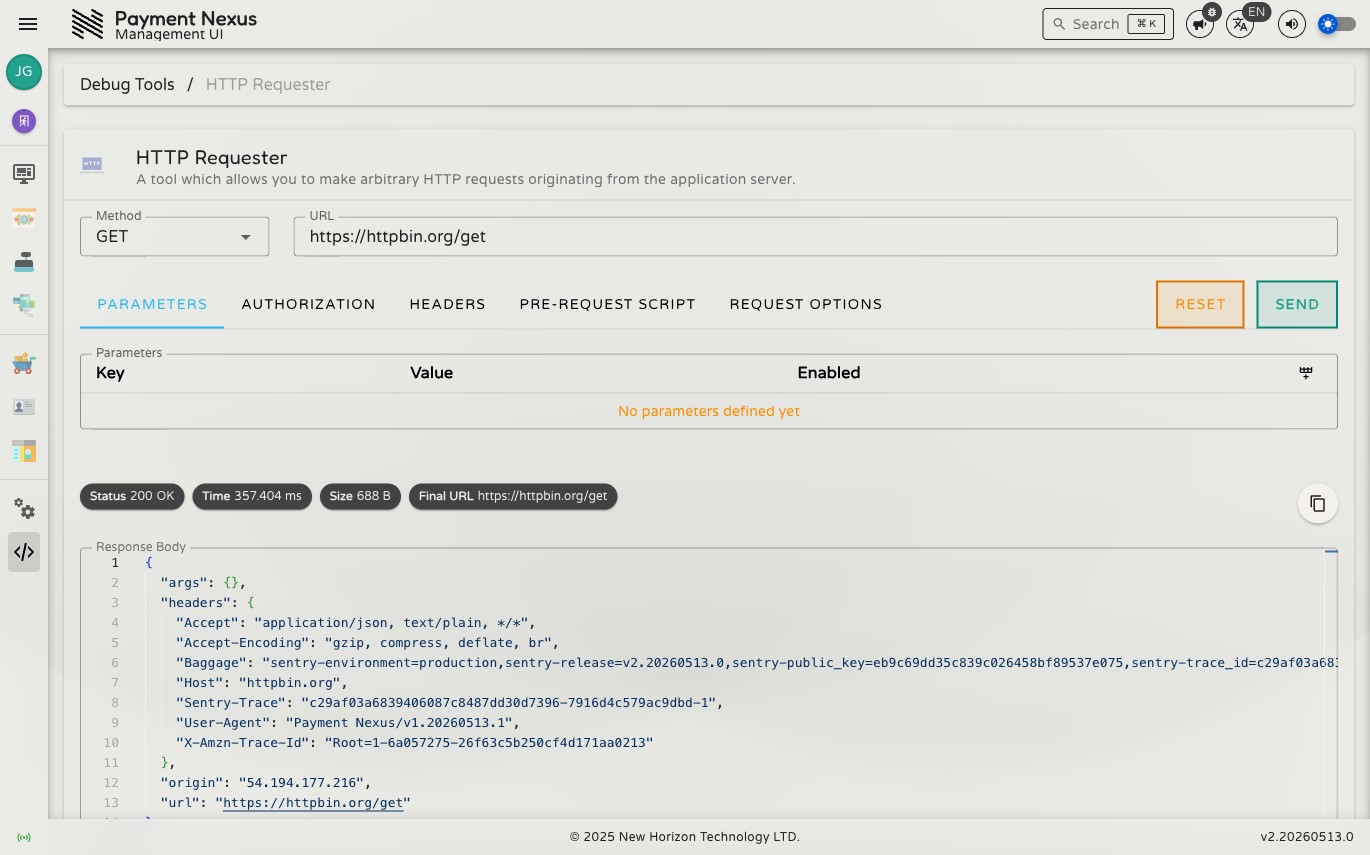
The response appears in the panel below the form. Click Reset to clear the form back to defaults.
TIP
Form state is preserved in the URL — you can bookmark or share a pre-filled request.
Parameters
Add query string parameters as key/value pairs. Each parameter can be individually toggled on or off without removing it from the list. Parameters are appended to the URL as ?key=value.
Body
Only visible for methods that carry a body (POST, PUT, PATCH). Select a Content-Type and enter the raw body:
| Content-Type | Notes |
|---|---|
application/json | Body is parsed and sent as a JSON object |
application/xml | Sent as a raw string |
text/xml | Sent as a raw string |
application/x-www-form-urlencoded | Sent as a raw string |
text/plain | Sent as a raw string |
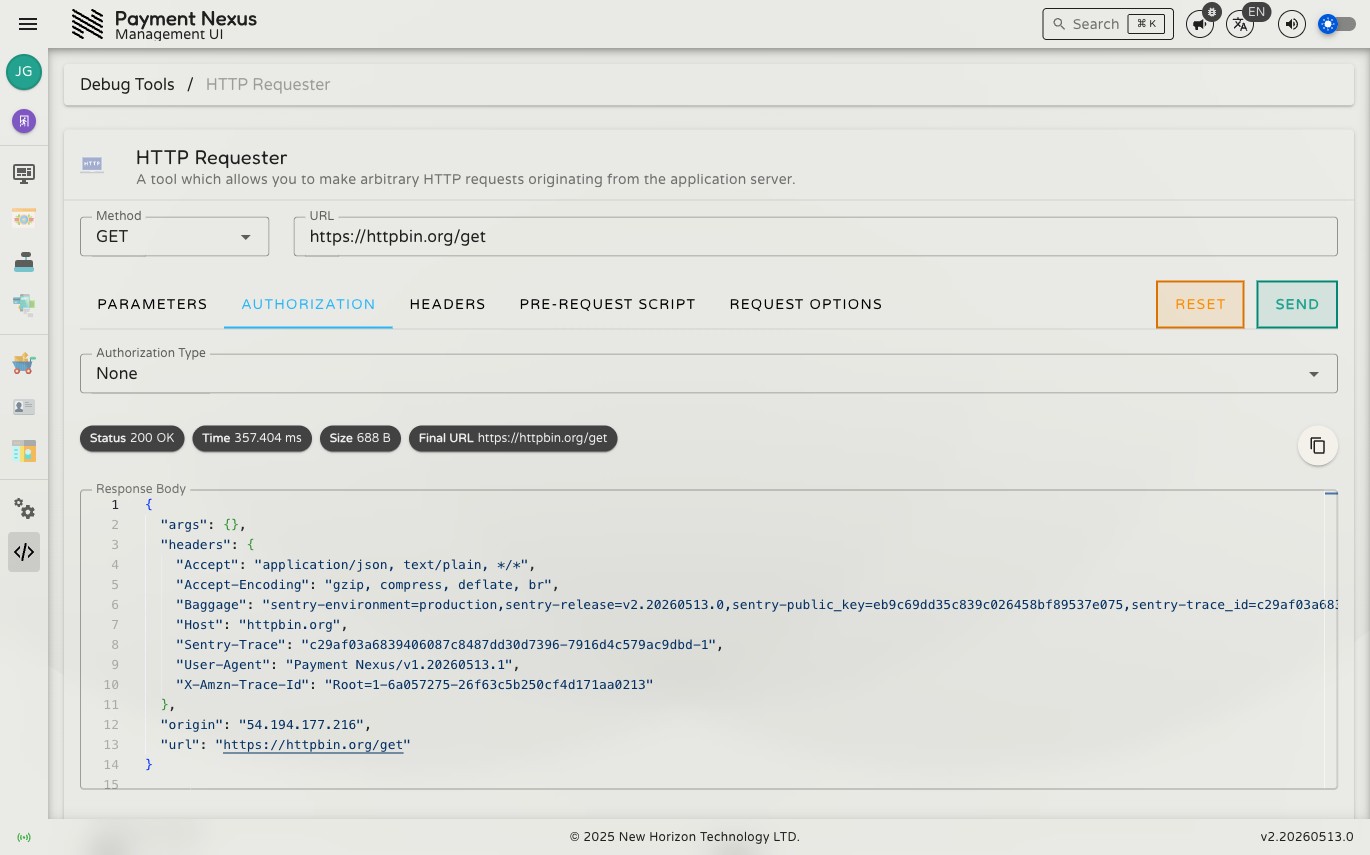
Authorization
| Mode | Behaviour |
|---|---|
| None | No authentication header added |
| Basic | Sends Authorization: Basic <base64> using the provided username and password |
| Bearer | Sends Authorization: Bearer <token> using the provided token |
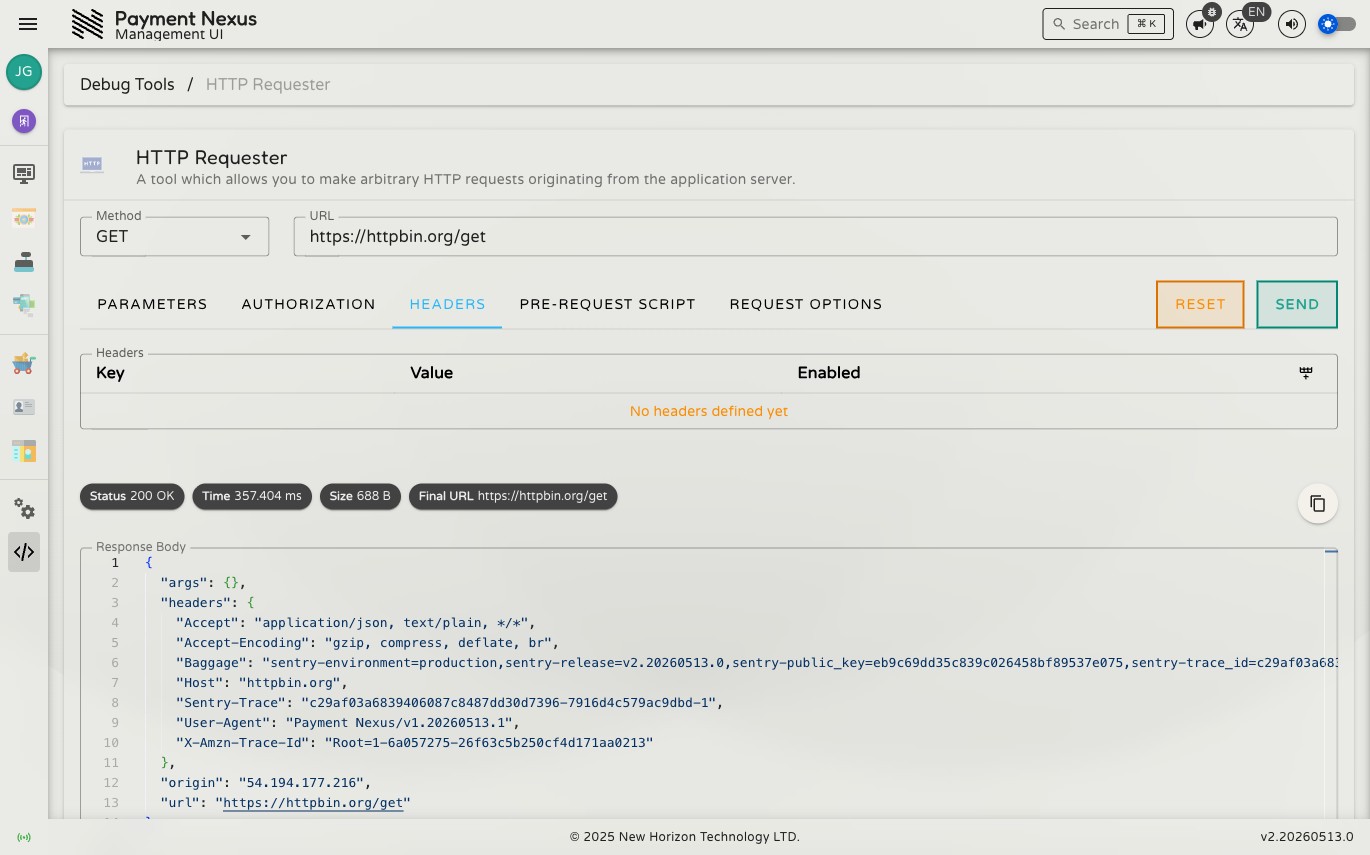
Headers
Add custom request headers as key/value pairs. Each header can be toggled on or off individually. The following headers are managed automatically — you don't need to set them manually:
Content-Type— set from the Body tab when a body is presentAuthorization— set from the Authorization tabUser-Agent— always sent asPayment Nexus/{VERSION}
Pre-Request Script
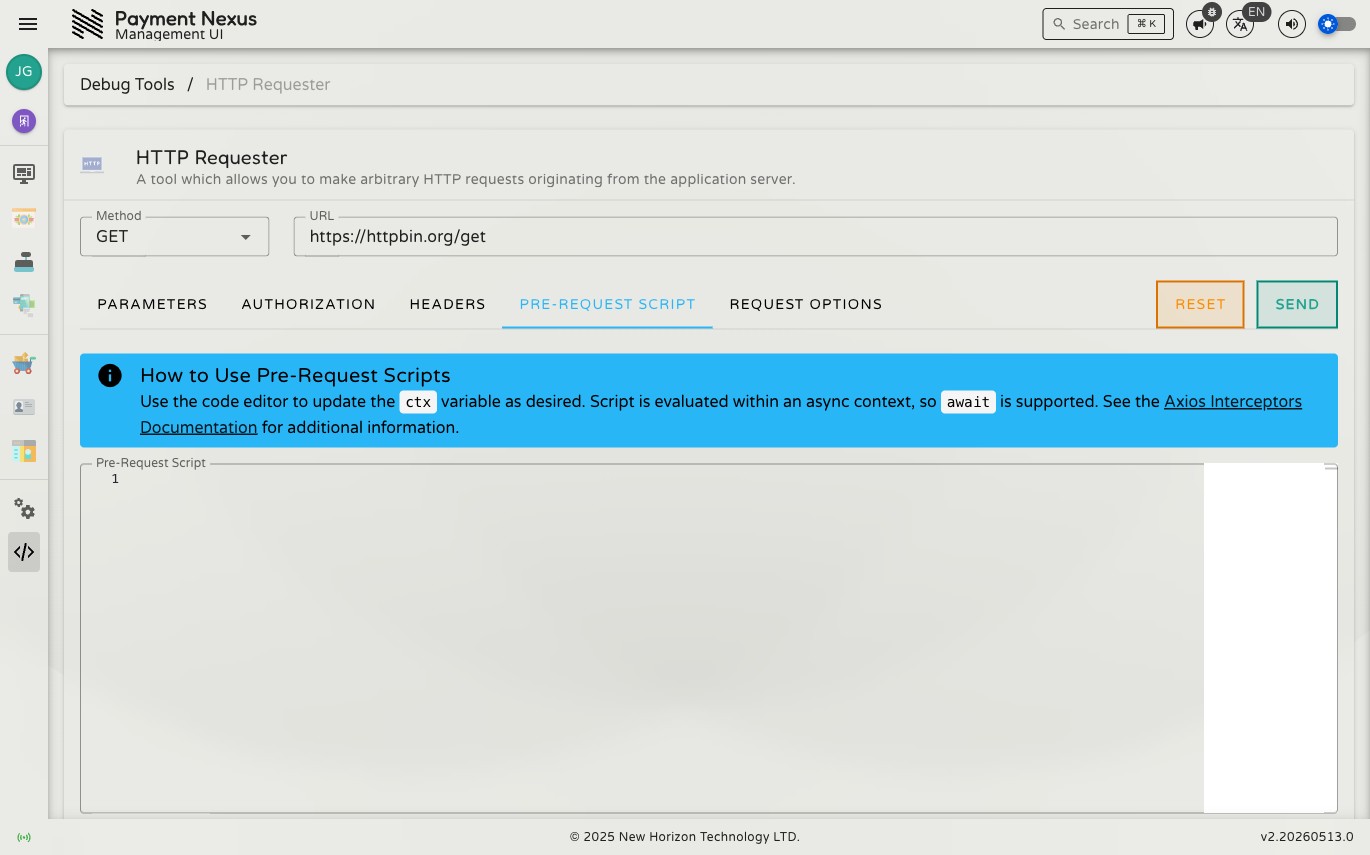
A JavaScript snippet that runs on the server immediately before the request is dispatched. Use it to dynamically modify the request at the last moment — the classic use case is computing a time-sensitive HMAC signature and injecting it as a header.
The script receives a ctx object containing the full Axios request configuration. Modify it as needed and return it — the return value is what gets sent.
Available globals
| Variable | What it is |
|---|---|
ctx | The Axios request config — url, method, headers, params, data, etc. |
bcrypt | bcryptjs — password hashing |
luxon | Luxon — date/time parsing and formatting |
nodeCrypto | Node.js crypto module — HMAC, SHA, AES, and other cryptographic operations |
Example: add an HMAC-SHA256 signature header
js
const timestamp = luxon.DateTime.now().toUnixInteger().toString()
const body = JSON.stringify(ctx.data ?? {})
const signature = nodeCrypto
  .createHmac('sha256', 'your-secret-key')
  .update(timestamp + body)
  .digest('hex')

ctx.headers['X-Timestamp'] = timestamp
ctx.headers['X-Signature'] = signature

return ctx
Request Options
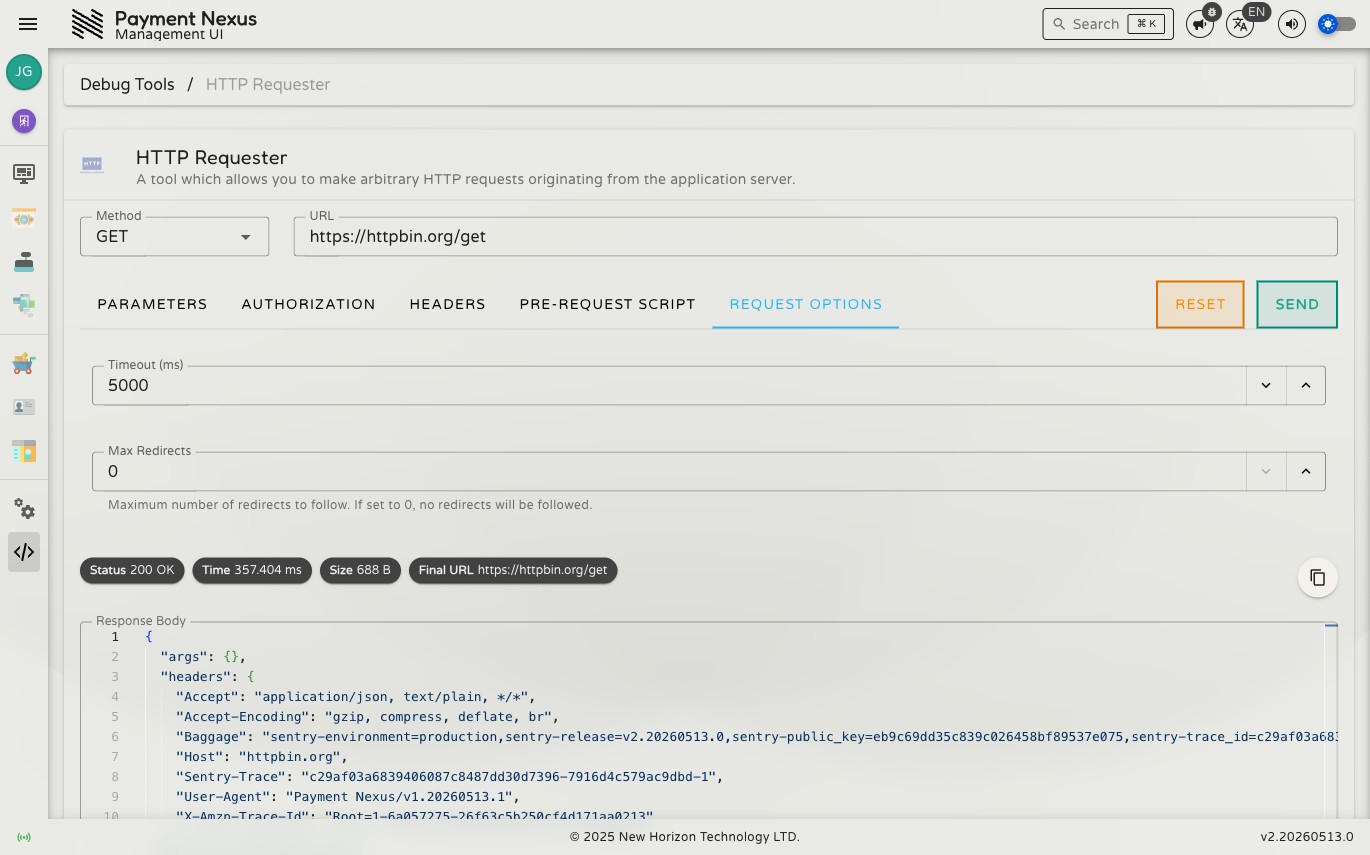
| Option | Default | Range | Description |
|---|---|---|---|
| Timeout | 5000 ms | 1000–60000 ms | How long to wait for a response before aborting |
| Max Redirects | 0 | 0–21 | How many HTTP redirects to follow automatically |
Response
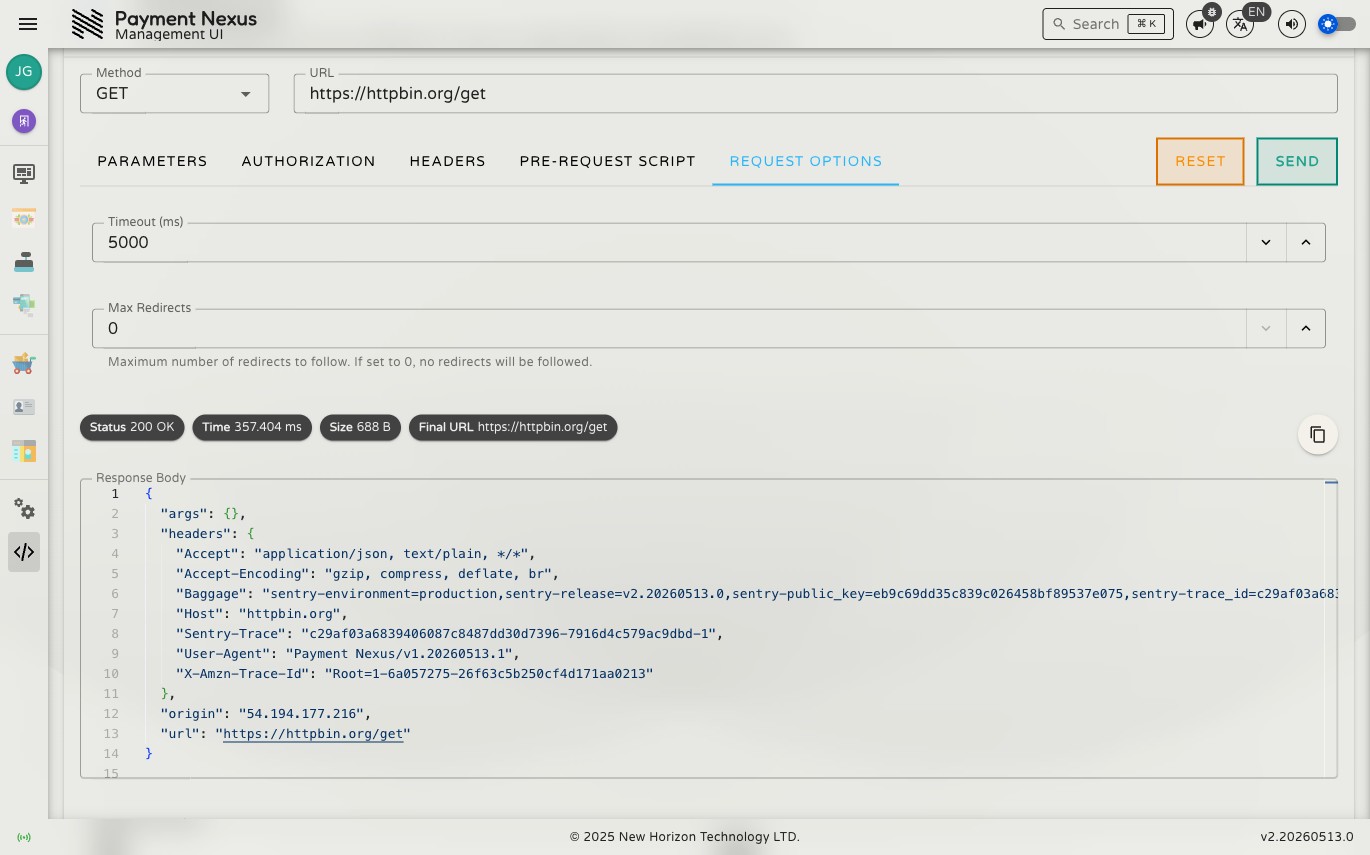
| Element | Description |
|---|---|
| Status | HTTP status code and text (e.g. 200 OK, 404 Not Found) |
| Time | Round-trip duration in milliseconds |
| Size | Response body size in bytes |
| URL | Final resolved URL (after any redirects) |
| Body | Response body with syntax highlighting for JSON and XML |
| Headers | All response headers as key/value pairs |
Exporting a response
The response panel includes a copy menu to export the full request and response in several formats:
- Markdown — formatted document suitable for pasting into a ticket or chat
- HTTP — raw HTTP request/response format
- Slack / Teams / WhatsApp / Telegram — formatted for pasting directly into those platforms