

Appearance
Skip to content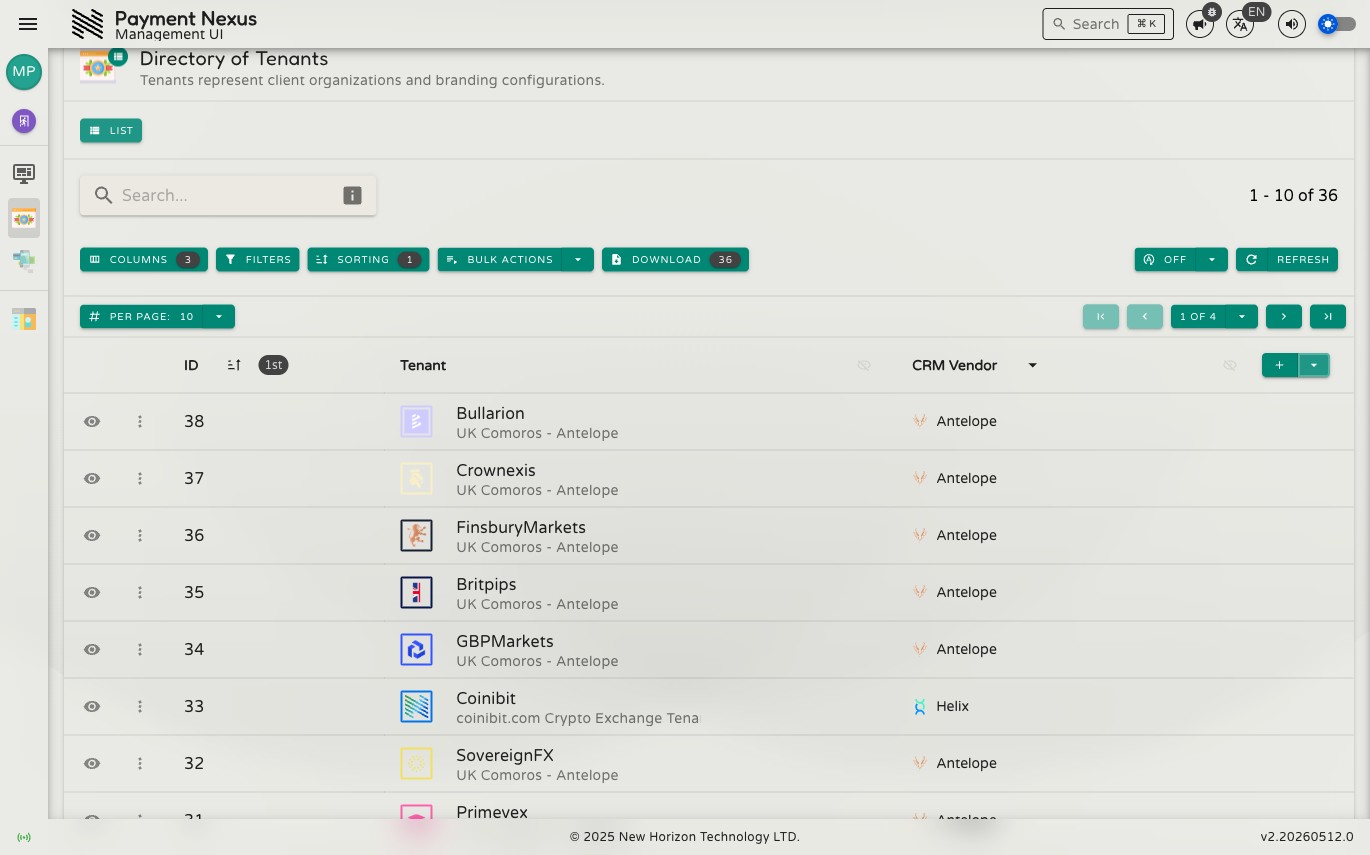

Results & Pagination
Pagination
The pagination bar at the bottom of the table shows where you are in the full result set and lets you move between pages. Use the page controls to go forward, back, or jump to a specific page. The per-page selector controls how many records appear at once — increase it if you're scanning a large set, or reduce it for a more focused view.
The total record count for your current search and filters is shown alongside the pagination controls.
Refreshing Data
Manual Refresh
Click the Refresh button in the toolbar to reload the current page of results at any time. Useful when you know data has changed and want to see the latest state without navigating away.
Auto-Refresh
For directories where data changes frequently — such as active transaction queues — auto-refresh keeps results current without manual intervention. Click the play button next to the refresh control to start it, and pause to stop. The refresh interval is fixed per directory.
Aggregations
Some directories display summary statistics below certain column headers — totals, averages, minimums, maximums, or distinct counts. These apply to the full result set matching your current search and filters, not just the current page, so they stay accurate as you page through results.
Not all directories or columns support aggregations.