

Appearance
Skip to content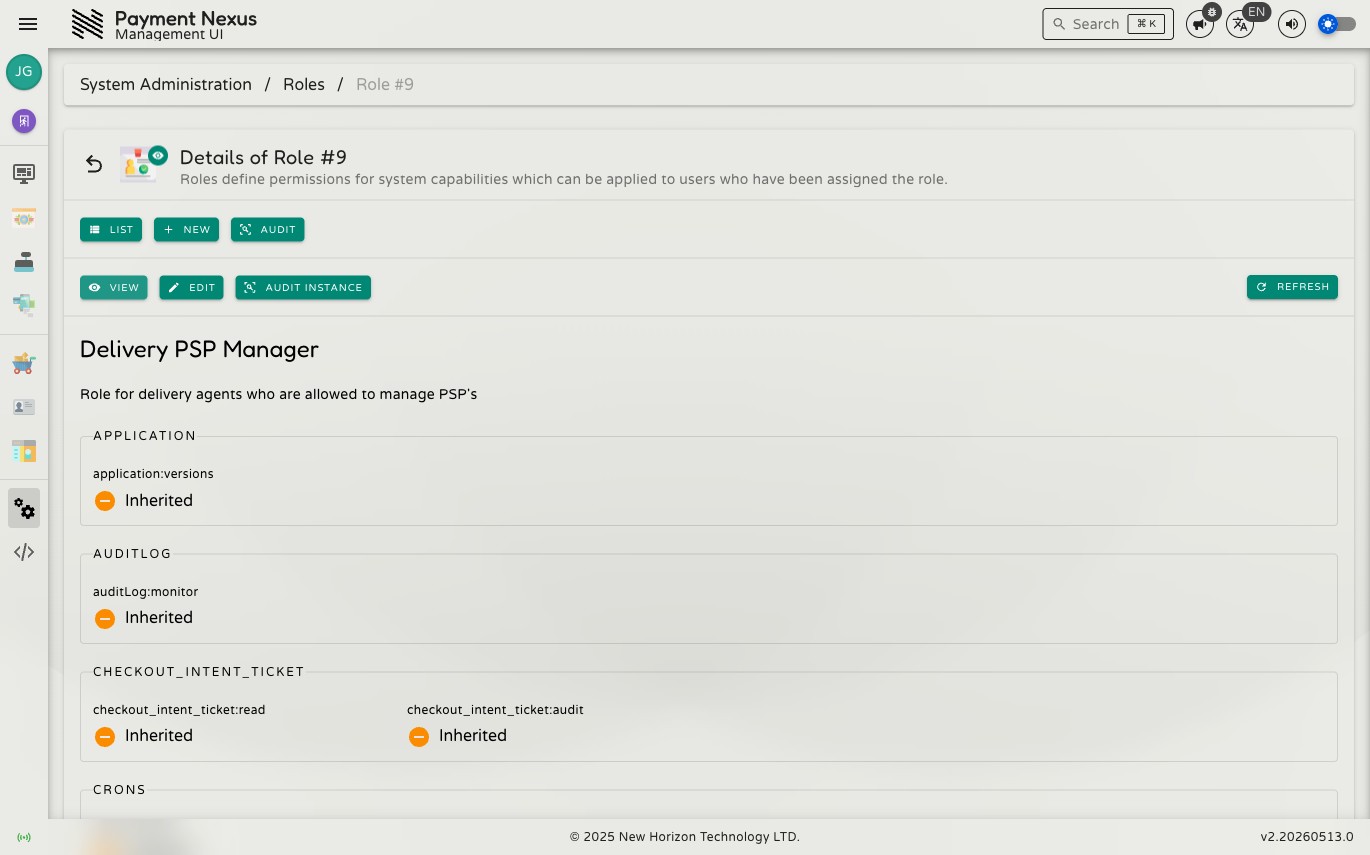
Viewing a Role
The role detail page shows the role's name and description, and every capability it currently configures.
Capabilities
This section lists every capability in the system and the state this role has set for each one. Capabilities are grouped by functional area (e.g. Users, Tenants, PSP). Each capability shows one of three states:
| State | Meaning |
|---|---|
| Granted | This role explicitly allows the capability. |
| Inherited | This role takes no position — the capability is neutral. |
| Denied | This role explicitly forbids the capability. Denial takes precedence over grants from any other role. |
Navigation
From the view page you can:
- Edit — open the edit page to change the role's name, description, or capability settings
- Audit Instance — view the change history for this role record
- List — return to the Roles directory