

Appearance
Skip to content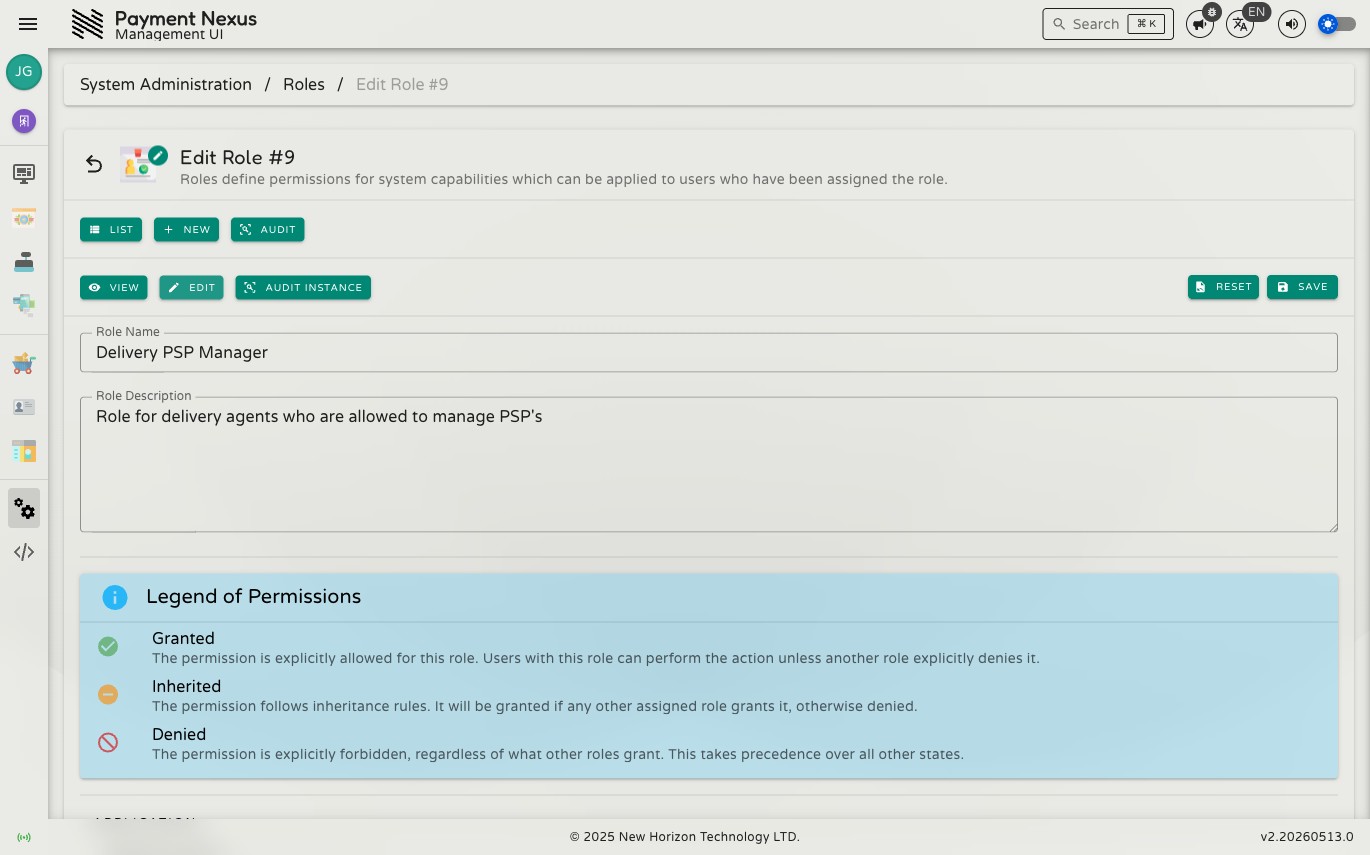
Editing a Role
The edit page lets you define what a role is and what it allows or denies.
Name and Description
| Field | Description |
|---|---|
| Name | Short identifier shown in user assignments and the directory |
| Description | Plain-text explanation of what this role is for |
Capabilities
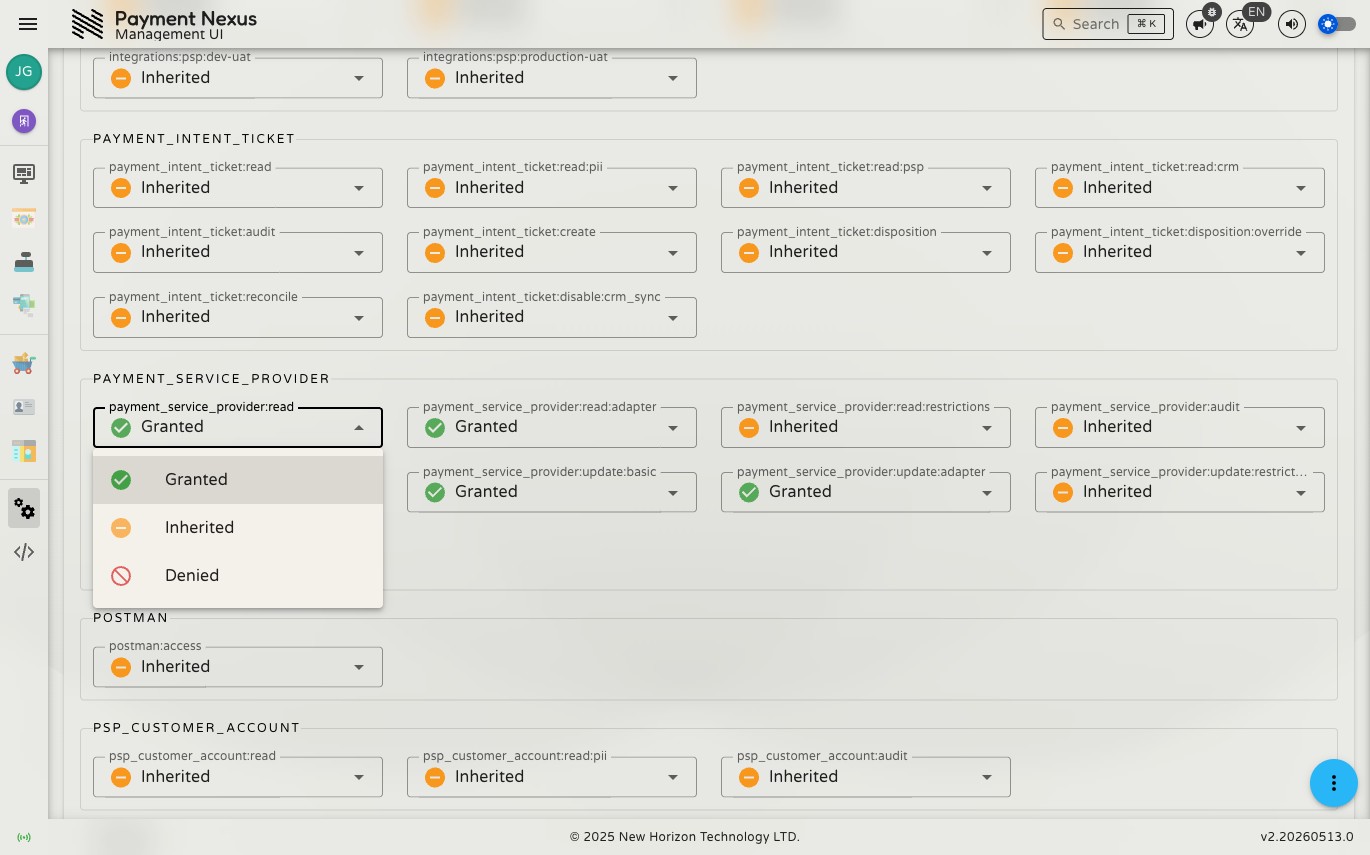
Each capability in the system can be set to one of three states:
| State | Meaning |
|---|---|
| Granted | The capability is explicitly allowed by this role. |
| Inherited | The capability is neutral — it will be granted only if another of the user's roles grants it. |
| Denied | The capability is explicitly forbidden. Denial wins over grants from any other role, regardless of how many roles grant it. |
Capabilities are grouped by functional area. Toggle each one individually to build the role's permission profile.
WARNING
Deny always beats Grant. If a user holds one role that denies a capability and another that grants it, the denial wins. Use Denied deliberately — it is an active block, not just an absence of permission.
Saving changes
Click Save to apply changes. Click Reset to discard any unsaved changes and revert to the last saved state.
Capabilities reference
For a full list of available capabilities and what each one controls, see the Capabilities Reference.