

Appearance
Skip to content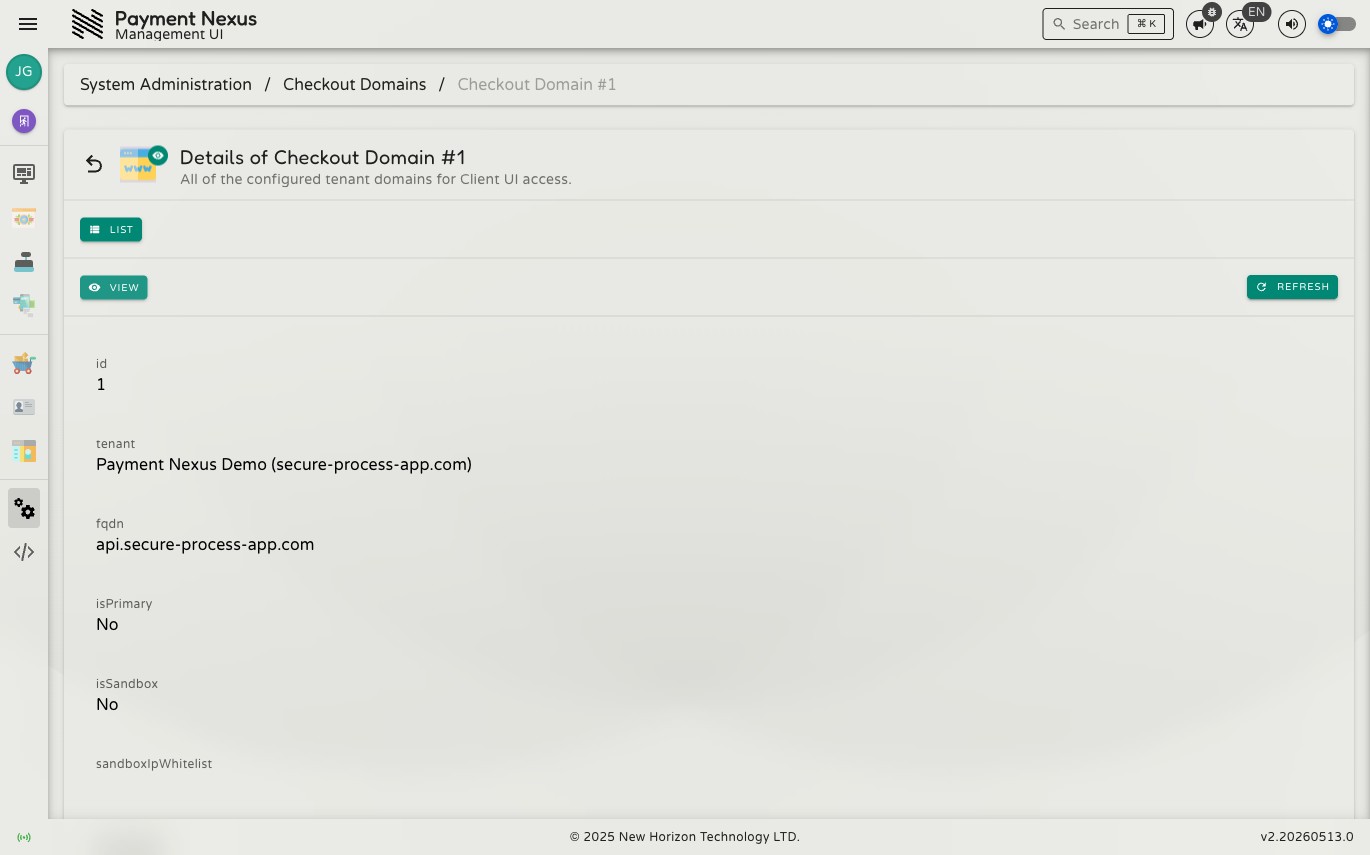
Viewing a Domain
The domain detail page shows the full configuration for a single checkout domain record.
Fields
| Field | Description |
|---|---|
| tenant | The tenant this domain is assigned to |
| fqdn | The fully qualified domain name (e.g. checkout.example.com) |
| isPrimary | Whether this is the tenant's primary production domain |
| isSandbox | Whether this is a sandbox domain used for testing |
| sandboxIpWhitelist | IP addresses permitted to access this domain (sandbox only) |
| description | Optional note about the domain's purpose |
| createdAt | When the domain record was created |
| updatedAt | When the record was last modified |
All fields are read-only from this view. To modify domain assignments, navigate to the tenant's record.
Navigation
From the view page you can:
- List — return to the Domains directory