

Appearance
Skip to content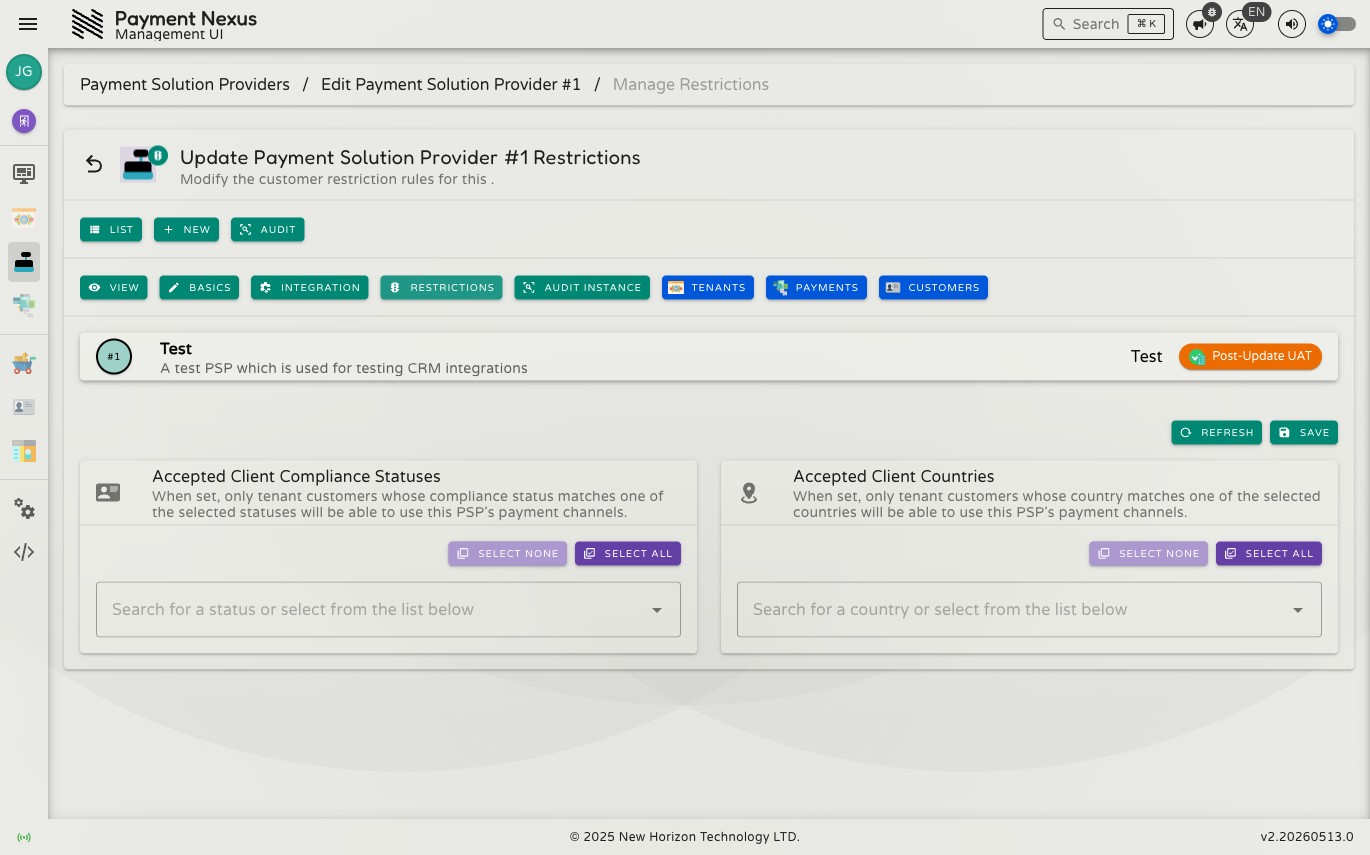
PSP Restrictions
PSP Restrictions let you limit which tenant customers can use a PSP's payment channels. Four independent filters are available: compliance status, country, age range, and — for VIBAN issuance only — client type. Any filter can be left empty, which means no restriction applies for that dimension.
Permissions
| Action | Permission required |
|---|---|
| Edit PSP restrictions | psp:update:restrictions |
Fields
| Field | Description |
|---|---|
| Accepted Client Compliance Statuses | When one or more statuses are selected, only tenant customers whose compliance status matches will be offered this PSP's channels at checkout. Leave empty to allow customers of any compliance status. |
| Accepted Client Countries | When one or more countries are selected, only tenant customers whose country matches will be offered this PSP's channels at checkout. Leave empty to allow customers from any country. |
| Age Range (Minimum Age, Maximum Age) | When set, only tenant customers whose age falls within the range qualify. Leave either bound empty to leave that side unrestricted. |
| Accepted Client Types | When one or more types (Individual, Business) are selected, only matching customers qualify. |
The compliance status, country, and age fields apply to this PSP's payment channels generally. Accepted Client Types is narrower: it's enforced only when this provider is used to issue a VIBAN — general checkout has no reliable signal for a customer's type, so it isn't checked there.
The compliance status, country, and client type fields are multi-select dropdowns. Use Select All to pick every available option at once, or Select None to clear the field.
TIP
An empty field means All Permitted — every customer qualifies on that dimension. You only need to add values when you want to restrict access, not to grant it.
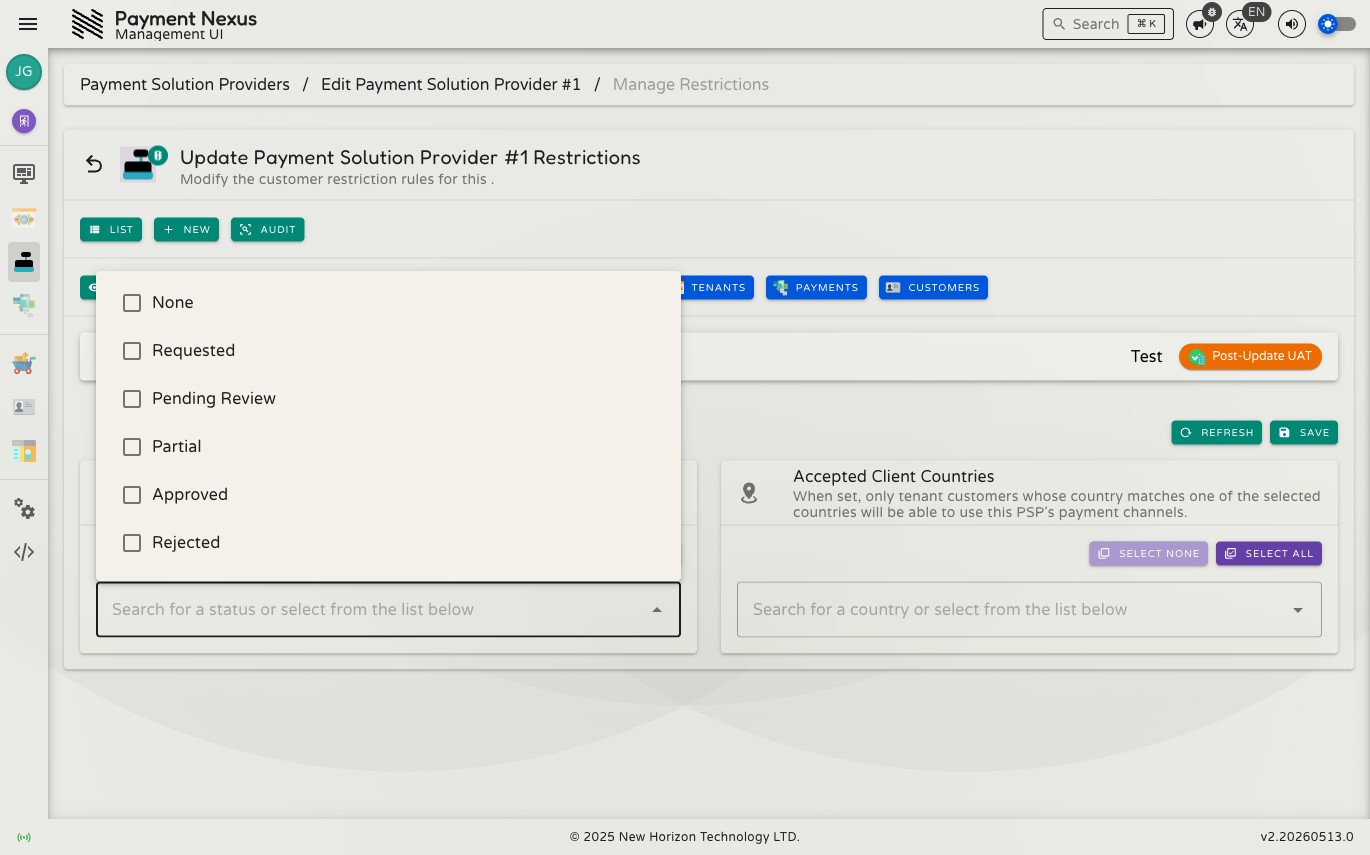
Selecting values
Clicking a field opens a list of all available values. Tick any item to add it to the active restriction. The same picker is used for both compliance statuses and countries.
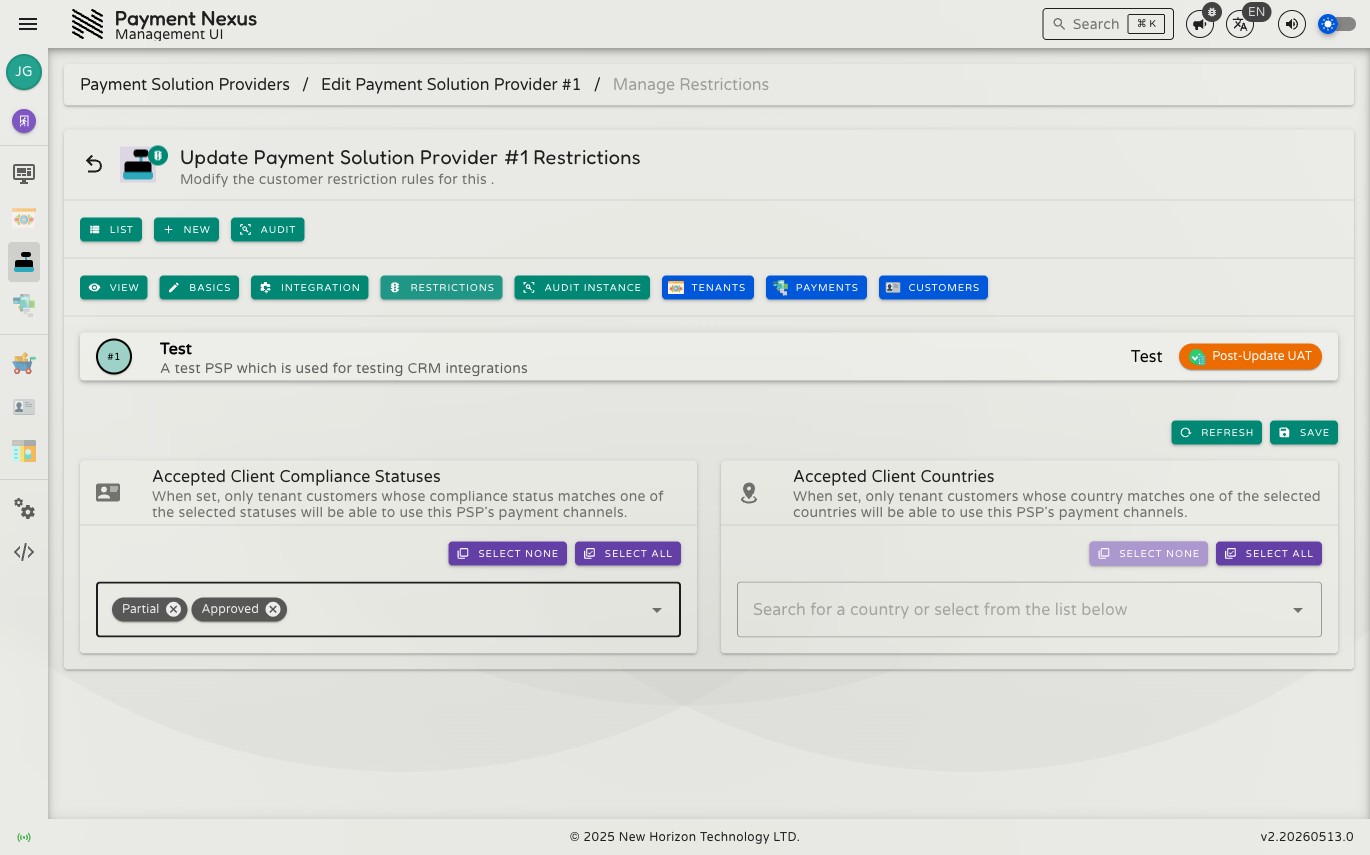
Configured state
Selected values appear as chips inside the field. Click the × on any chip to remove that value individually, or use Select None to clear the field entirely.
Toolbar actions
| Action | Color | Description |
|---|---|---|
| Refresh | Blue | Reloads the saved restrictions from the server |
| Save | Blue | Saves the current restriction settings |