

Appearance
Skip to content
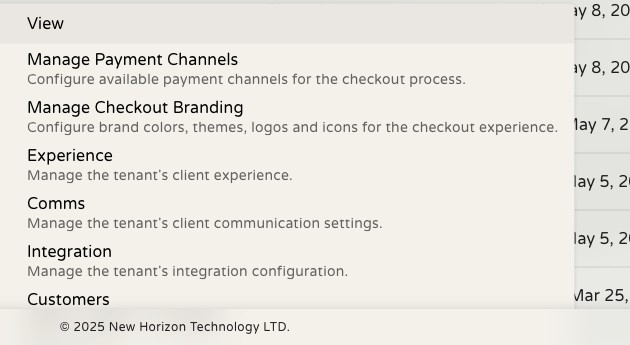
Row Actions
Each row in a directory has one or more actions that operate on that specific record — navigating to it, editing it, or triggering a workflow step.
Pinned Actions
The most common actions appear as icon buttons directly in the row — typically things like View, Edit, or Delete. These are always visible without any extra clicks.
Overflow Menu
If a row has more actions than can be displayed inline, the rest are accessible through a ⋮ overflow menu at the end of the row. Click it to see the full list.
Right-Click Context Menu
Right-clicking any row opens a context menu with the same actions available for that record, plus browser-native options:
- Open in new tab — navigate to the record without leaving your current view
- Copy link — copy the record's URL to your clipboard
Opening a Record in a New Tab
Keeping your filtered directory view open while investigating a record is useful when working through a queue. To open a record in a new tab without losing your current view:
- macOS: Cmd + click the action
- Windows/Linux: Ctrl + click the action
Or right-click the row and choose Open in new tab.
Action Availability
Some actions only appear on certain records based on their state. For example, an Approve action may only be available on records with a pending status. Actions that don't apply to a record are either hidden or disabled.