

Appearance
Skip to content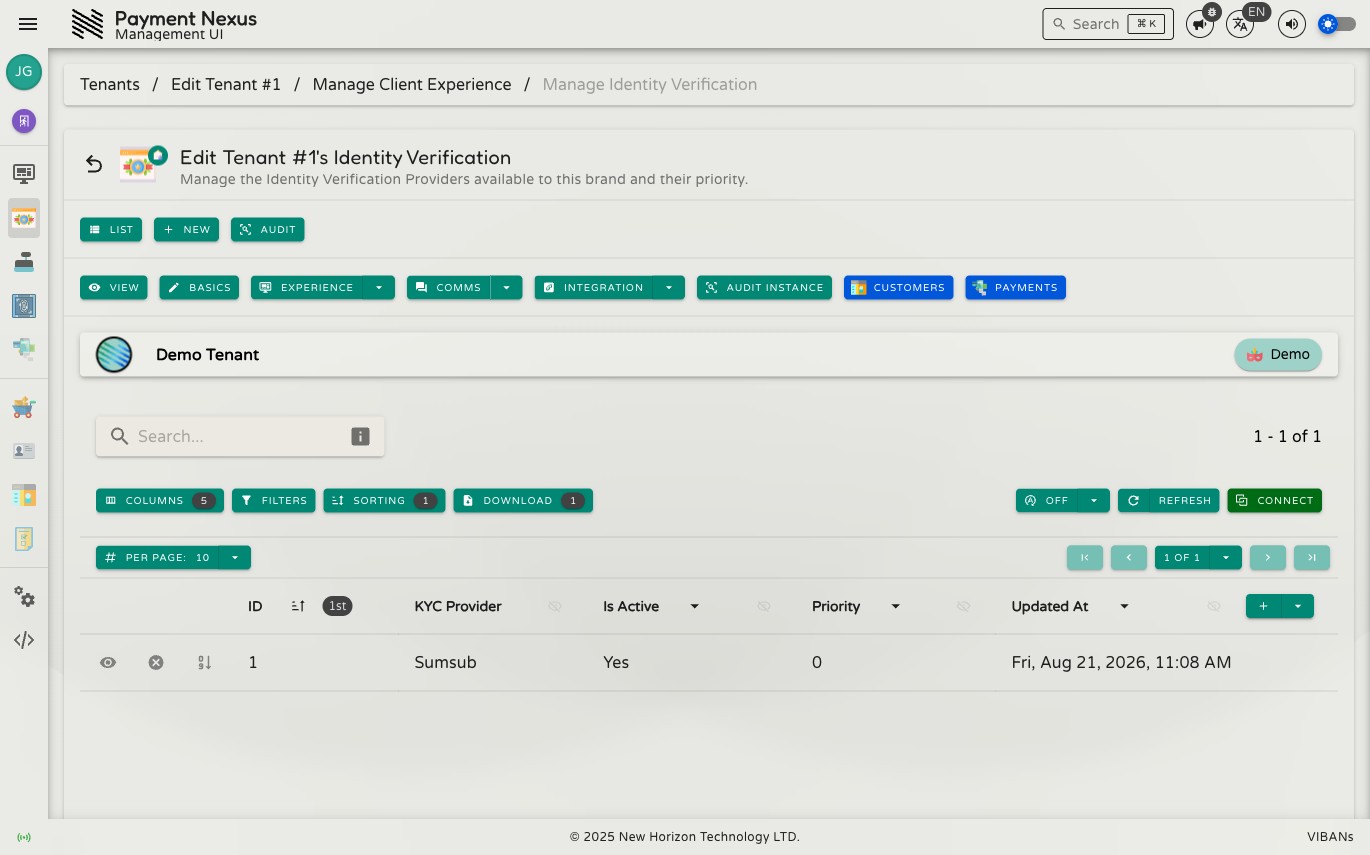
Identity Verification
This page lists the Identity Verification Providers connected to this brand, and controls which one is used first when a customer needs to be checked. It's the other half of the same connection managed on each provider's own Linked Tenants page — set the priority from either page, they show the same value.
Permissions
| Action | Permission required |
|---|---|
| View connections | integrations:kyc:read |
| Connect or disconnect a provider | integrations:kyc:update |
Directory columns
| Column | Description |
|---|---|
| ID | Internal identifier for this connection |
| KYC Provider | The connected identity verification provider |
| Is Active | Whether this connection is currently in use |
| Priority | The order this provider is tried in, relative to the brand's other connected providers |
| Updated At | When the connection was last modified |
Connecting a provider
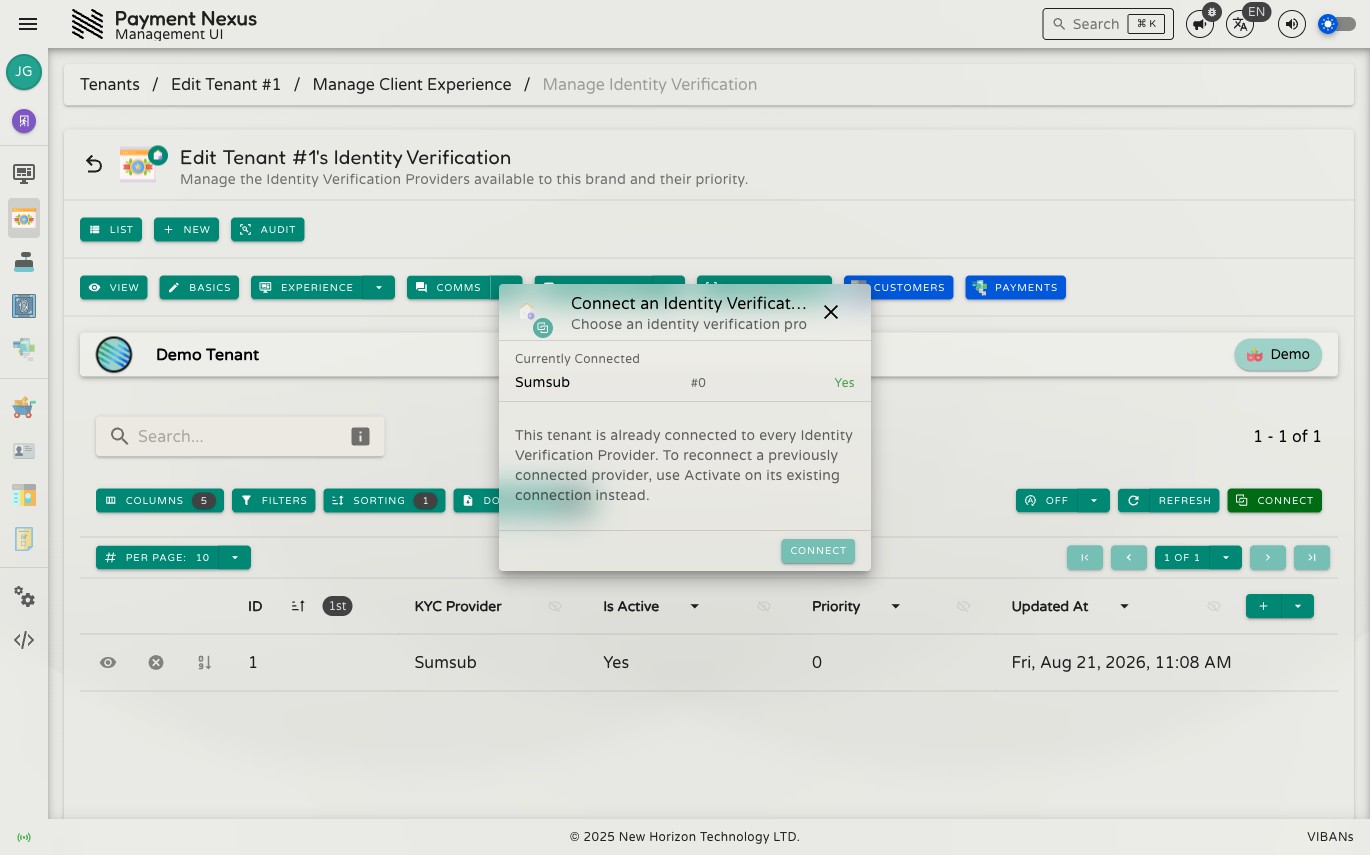
Click Connect to open the picker. It shows every provider this brand is currently connected to, then lets you choose from the remaining ones.
If the brand is already connected to every available provider, the dialog says so plainly and disables the Connect button — there's nothing further to connect. To bring back a connection that was previously disconnected, use Activate on its existing row instead of connecting again.
Set Priority
Change a connection's priority the same way as on the provider's own Linked Tenants page — a lower number is tried first.