

Appearance
Skip to content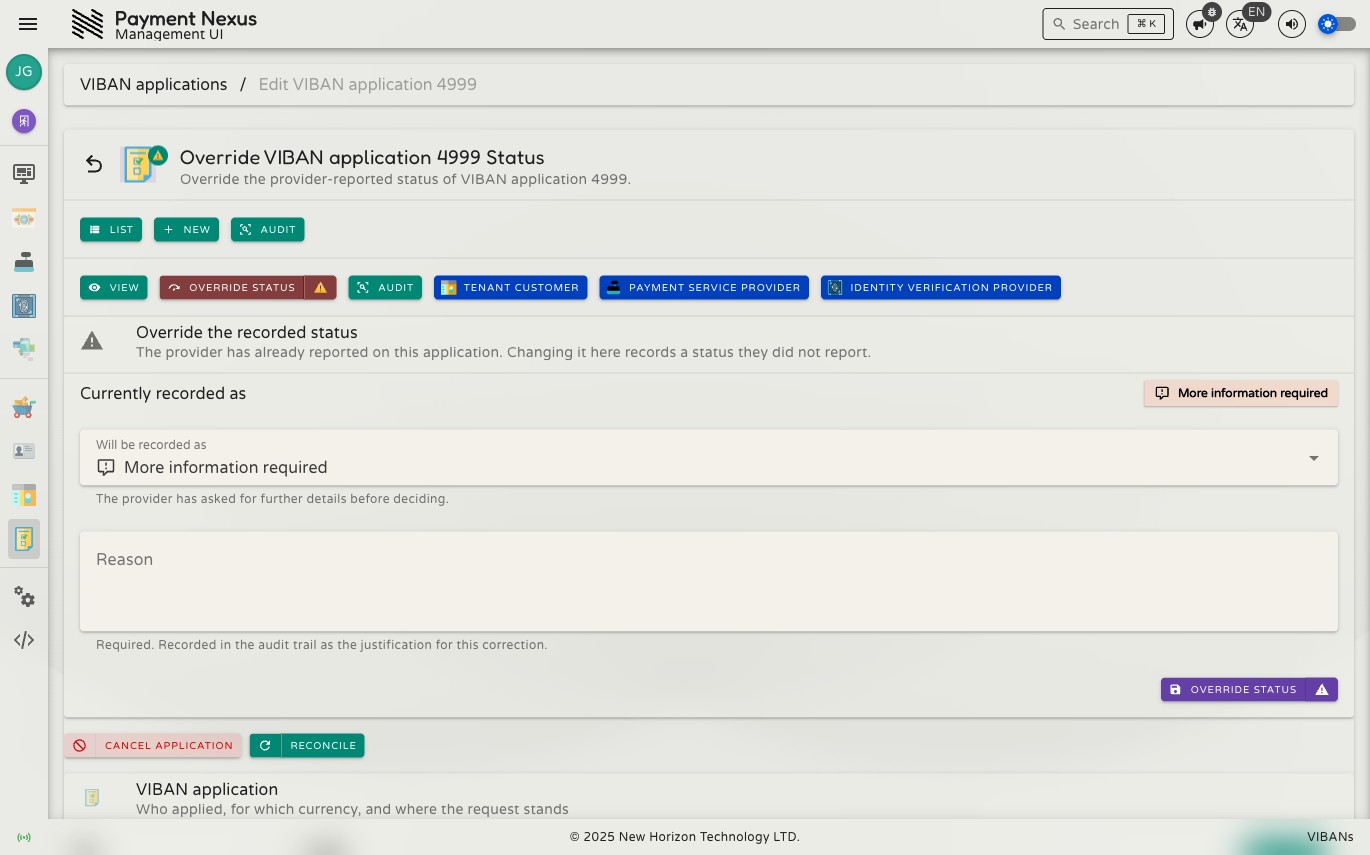
Reconciling a VIBAN Application or Account
Payment Nexus normally stays in sync with a provider automatically: the provider notifies it when something changes. Reconciliation is the manual check for situations where that notification does not arrive, such as a missed webhook, a provider outage, or confirming a record is current before taking action.
There are two separate things you can reconcile, and each checks a different part of the record.
Reconciling an application's status
Use this when an application has remained in Pending review longer than expected, and you suspect Payment Nexus did not receive a response from the provider.
Go to the application's manage page and click Reconcile, documented on Correcting & Managing an Application. This asks the provider directly for the application's current state — pending, approved, or rejected — and updates the record only if the provider reports something different from what is already stored. If nothing has changed, the record is not modified.
This requires viban_application:reconcile.
Prefer this over overriding the status by hand
If you are unsure whether an application needs correcting or simply needs an updated answer from the provider, reconcile first. Correct/Override status sets what Payment Nexus records by hand and does not contact the provider — use it to fix a record that is known to be wrong, not to find out what actually happened.
Reconciling an account's transactions
This is a separate action on a separate record. Once an application is approved and an account exists, use Reconcile Transactions on the PSP Customer Account's detail page to ask the provider for that account's transaction history and capture anything Payment Nexus's own webhook processing may have missed.
This affects transaction history only. It has no effect on the account's own status (active, revoked, and so on). Requires psp_customer_account:reconcile.
Why both exist
An application and the account it produces are tracked separately once the account exists, so each has its own reconciliation path — one confirms the application's outcome, the other confirms the money that has moved through the resulting account. For a specific customer complaint such as "my deposit hasn't shown up," use the account-level transaction reconciliation, not the application-level one.