

Appearance
Skip to content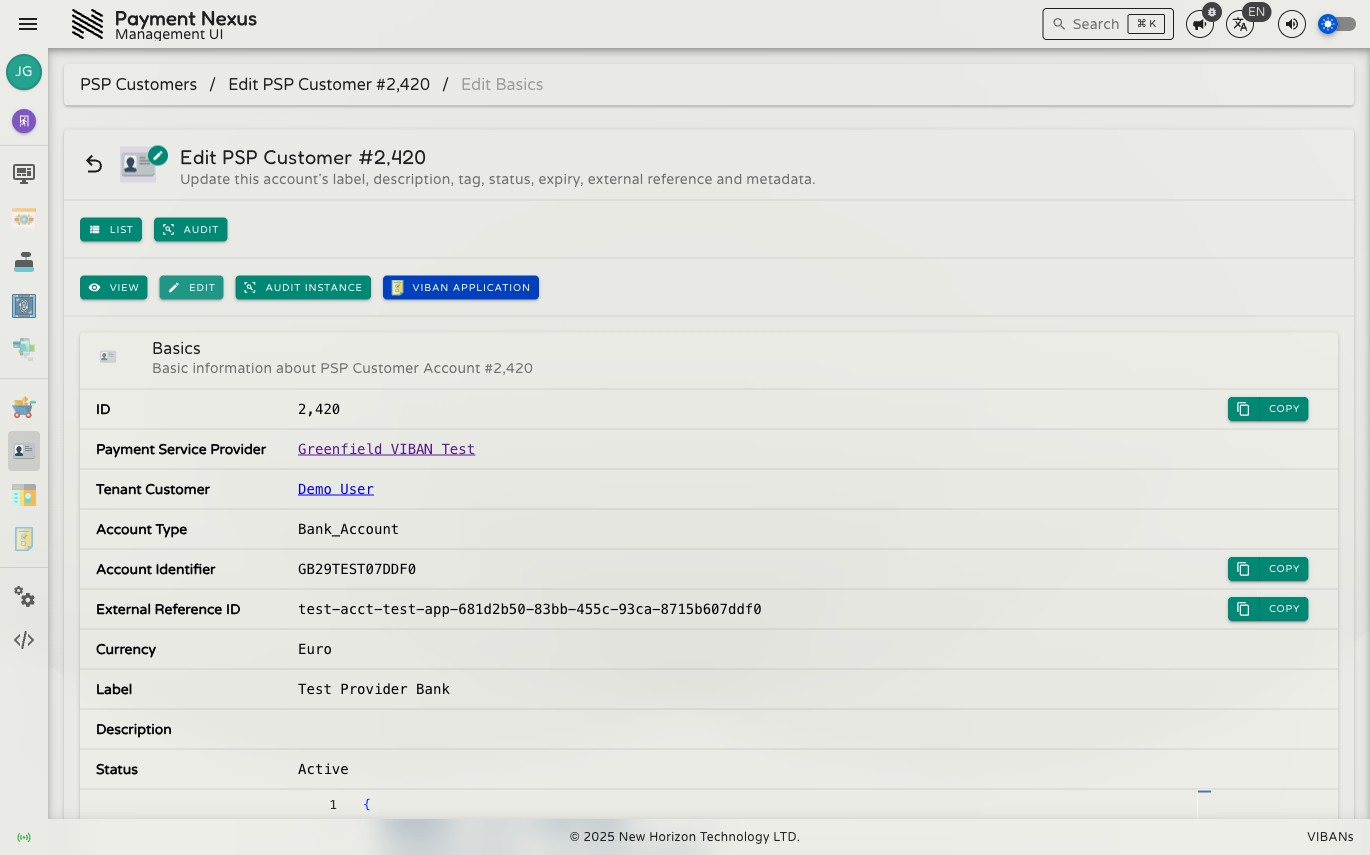
Editing a PSP Customer Account
The Basics edit page lets you update the account's own descriptive and configuration fields. The account's identity — the PSP that issued it, the tenant customer it belongs to, its account type and identifier — is set by the PSP integration and can't be changed here.
Permissions
| Action | Permission required |
|---|---|
| Edit an account | psp_customer_account:update |
Fields
| Field | Description |
|---|---|
| Label | A short name for the account |
| Account Tag | An internal tag for grouping or identifying the account |
| Description | A longer note about the account |
| Status | Active, Inactive, Expired, or Revoked |
| Expires At | When the account expires, if it has an expiry |
| External Reference ID | An additional reference from the PSP |
| Metadata | Additional structured data, as JSON |
Metadata is merged, not replaced
Saving only updates the keys you submit — any other keys already stored in Metadata, including bank details the provider issued, are left untouched. You can't accidentally erase provider-owned data by editing a different field.
Changing Status here doesn't notify the provider
Setting Status to Revoked on this page only updates what Payment Nexus records — it does not contact the provider or stop the account being usable on their end. To fully cut off further VIBAN activity on an account, use Revoke Account instead, which is a dedicated action with its own audit trail.