

Appearance
Skip to content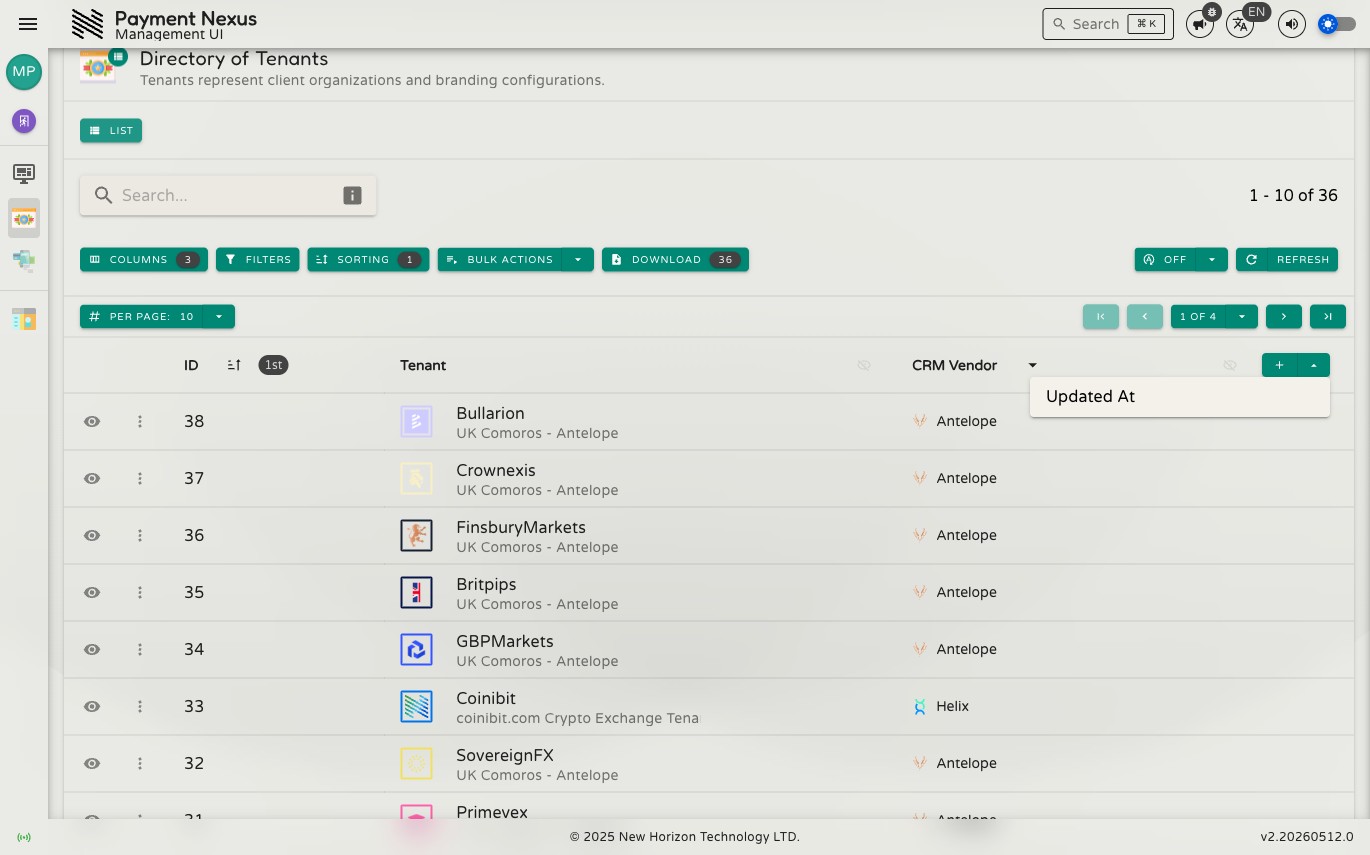
Columns
Each directory has a default set of columns, but you can customise which fields are visible and how they're ordered to suit your workflow.
Adding Hidden Columns
A + button at the far right of the table header lets you quickly add columns that aren't currently shown. Click it to see a list of available fields — select one to add it to the table immediately.
Columns Drawer
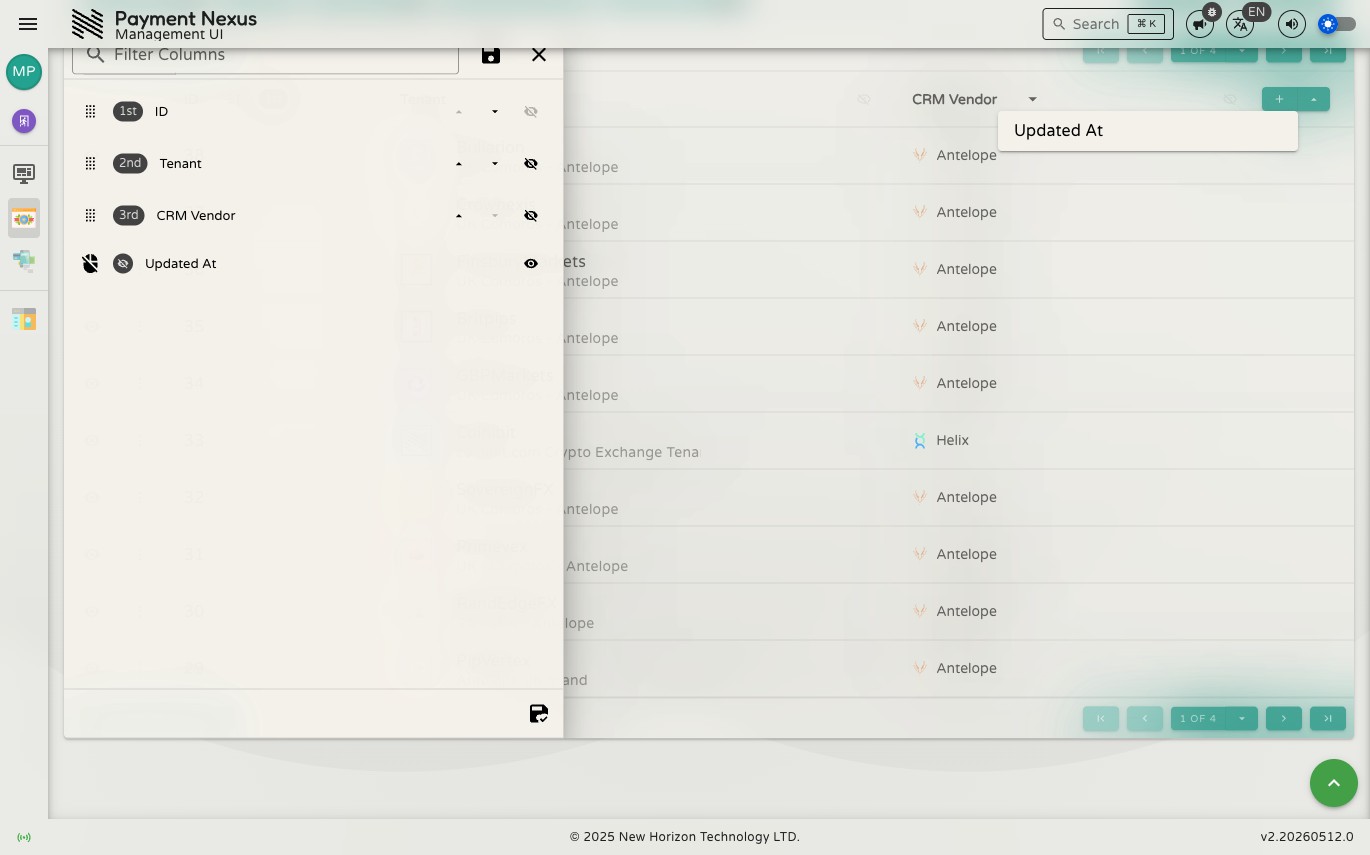
For full control over visibility and ordering, open the Columns drawer from the toolbar. Each available field has a toggle — turn it on to show the column, off to hide it. Changes take effect immediately in the table behind the drawer.
The available fields are determined by the module — not every field in the system is available as a column in every directory.
Column Order
Columns appear in the table in the order they are listed in the Columns drawer. Reorder them by dragging a field to a new position.
Column State in the URL
Your column selection and order are encoded in the page URL alongside your filters and sort, so a bookmarked or shared link preserves the exact view you configured.