

Appearance
Skip to content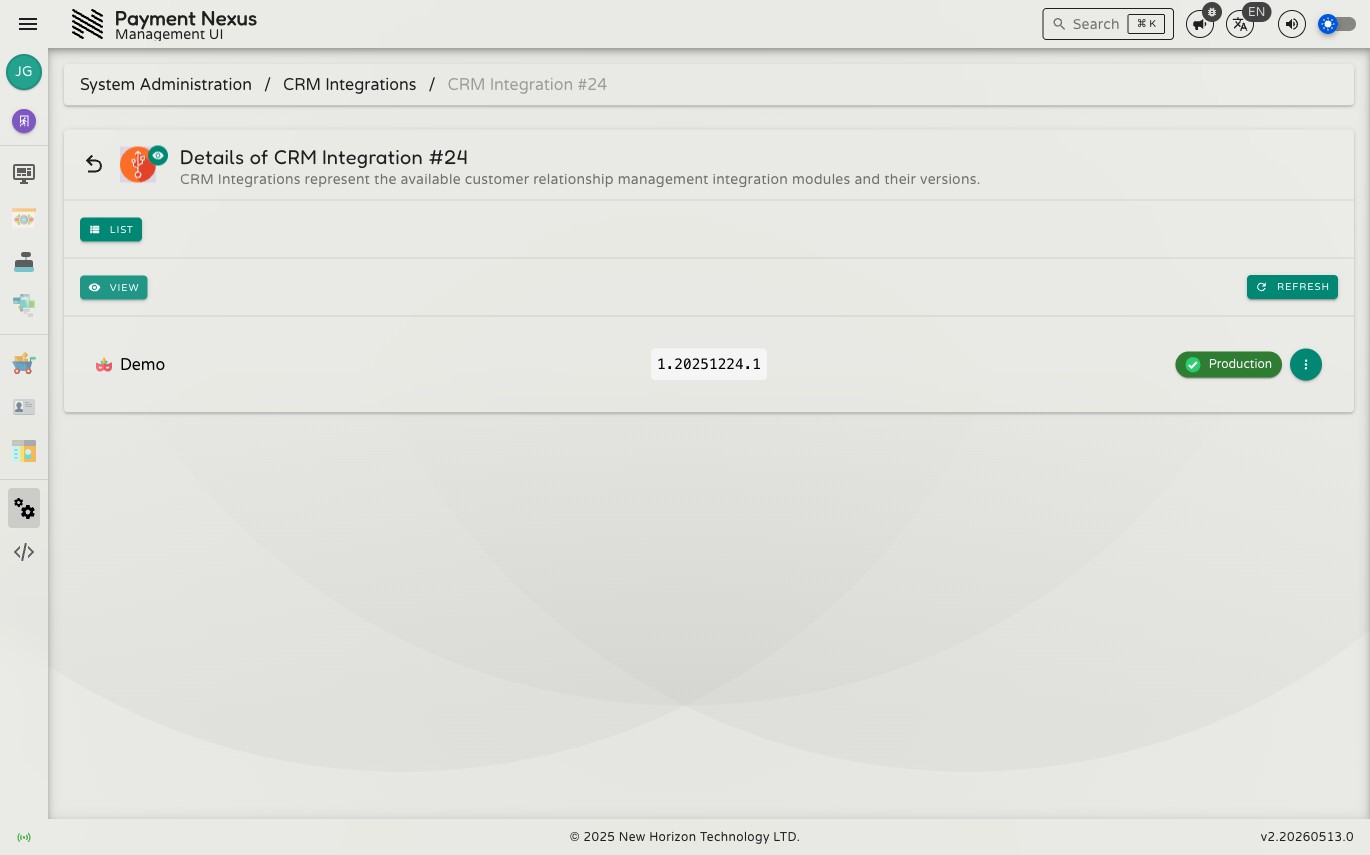
Viewing a CRM Integration
The CRM Integration detail page shows the current state of a single integration record.
Fields
| Field | Description |
|---|---|
| Vendor | Human-readable CRM vendor name (e.g. Demo, Antelope) |
| Release Version | The version string for this integration build |
| Release State | Current stage in the release pipeline |
Changing release state
Use the state control on the record to transition the integration to a new release state. Not all transitions are available to all users:
- Promotion to
dev-uatrequiresintegrations:crm:dev-uat - Promotion to
production-uatrequiresintegrations:crm:production-uat - General state updates require
integrations:crm:update
For the full list of states and what they mean, see PSP Integrations — Release States.
Navigation
From the view page you can:
- List — return to the CRM Integrations directory