

Appearance
Skip to content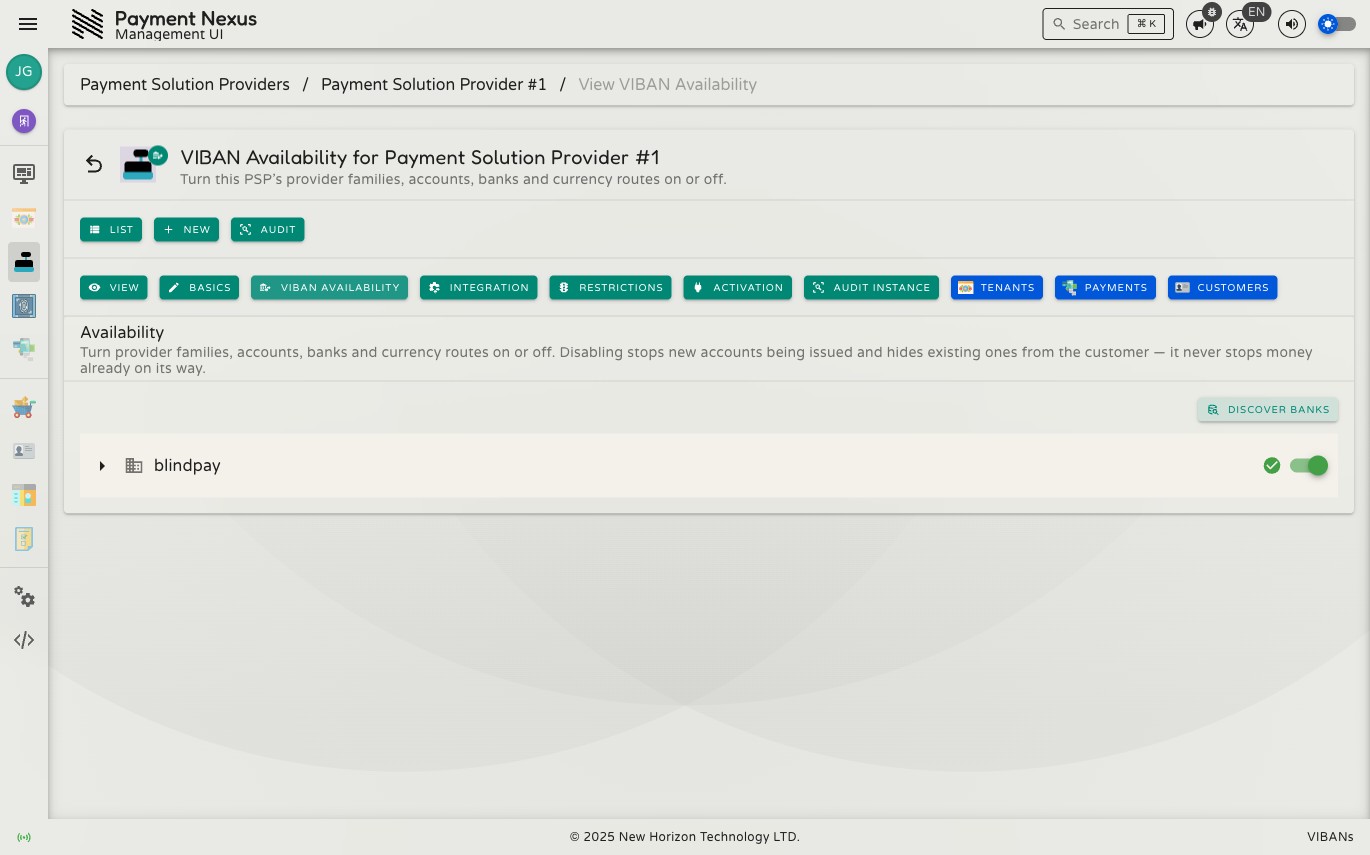
VIBAN Availability
The VIBAN Availability page controls which parts of the provider hierarchy can issue new accounts. To open this page, go to a PSP record and click VIBAN Availability on the toolbar.
Permissions
| Action | Permission required |
|---|---|
| View availability | viban_availability:read |
| Change availability | viban_availability:manage |
The tree
The tree matches the provider hierarchy: provider family, then provider account, then bank, then currency route. Each level sits under the level above it. Every level has its own toggle.
Disabling stops new accounts — it never touches money in transit
When you turn off a level, the system stops creating new accounts under it. It also hides existing accounts under that level from customers. However, the system still receives and processes any deposit already sent to an existing account.
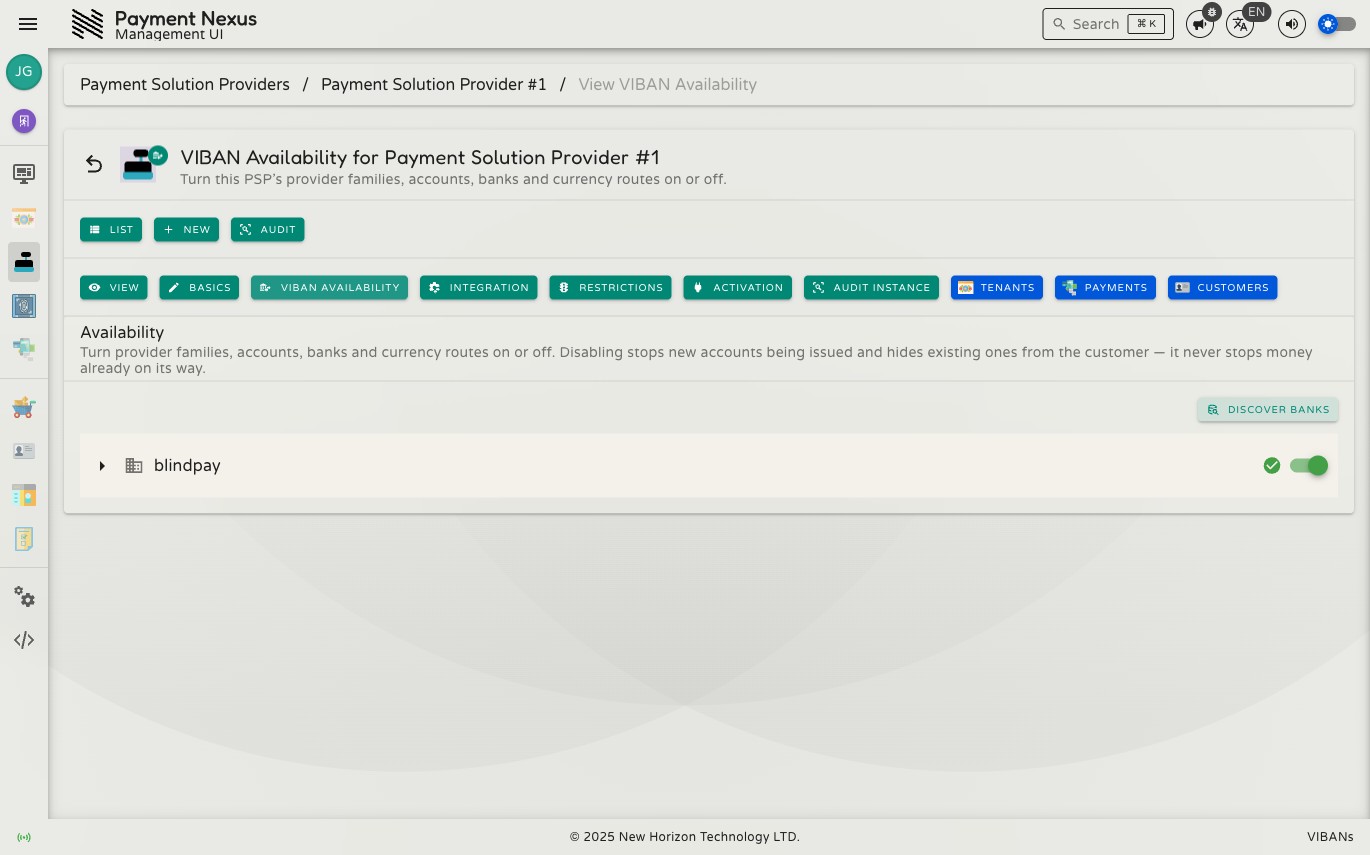
A level appears turned off for one of two reasons: someone turned it off directly, or a parent level above it is off. Turning a parent level back on does not automatically turn its child levels back on. Each level that was turned off directly stays off until you turn it back on individually.
Turning something off
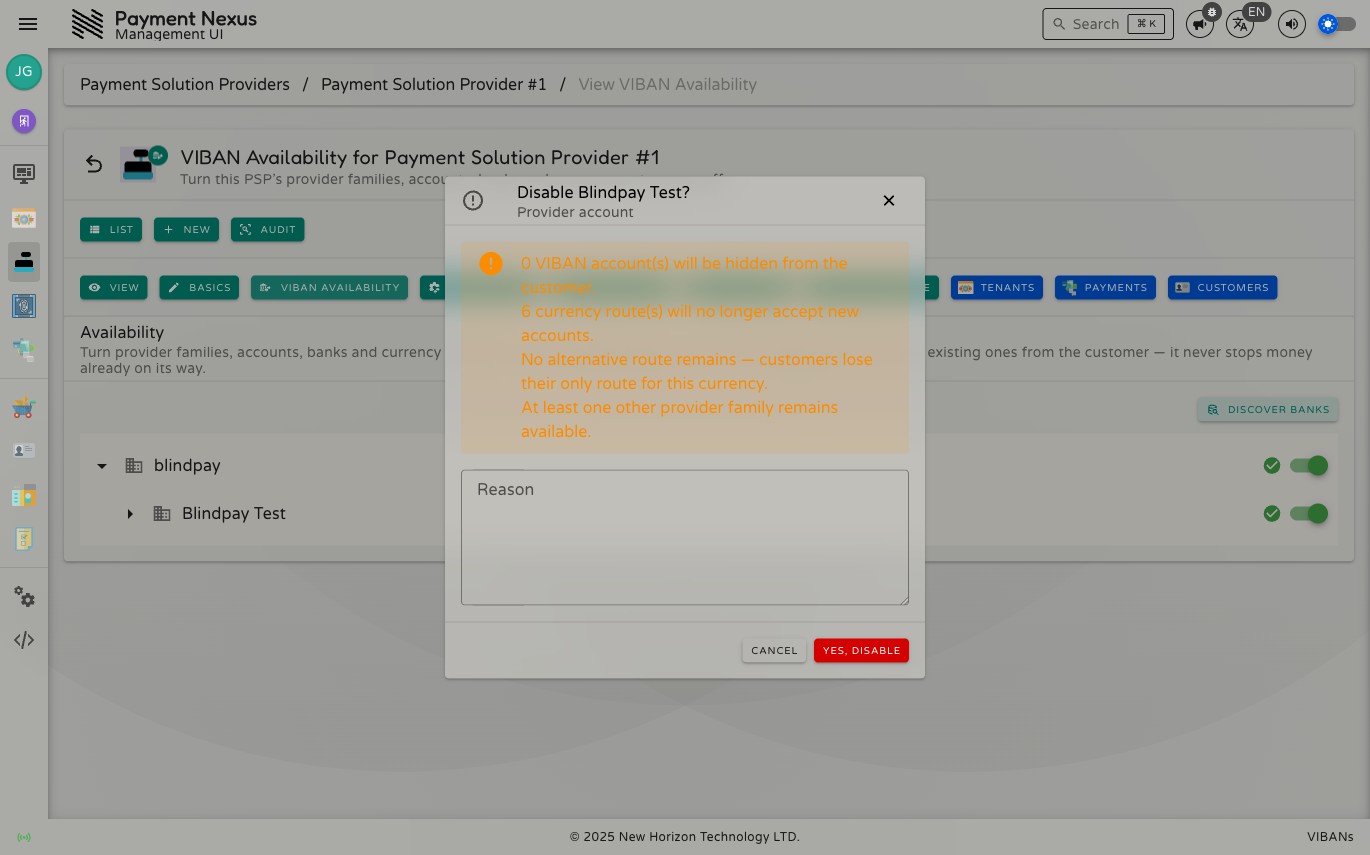
When you turn off a level, a confirmation dialog opens before any changes happen. The dialog shows what this action affects:
- How many existing VIBAN accounts will be hidden from customers
- How many currency routes will stop accepting new accounts
- If another route remains available under the same provider account
- If at least one other provider family remains available
Enter a Reason and click Yes, Disable to confirm. The system records this reason in the audit trail.
Discover banks
The Discover banks button checks the vendor for the banks and currencies that the provider account supports. It then updates the tree. Use this button when a provider adds support for a new bank or currency that does not appear in the tree yet.
If a provider has nothing new to discover, the platform shows a clear message rather than an error. Seeing a message that the provider does not support new banks or currencies is a normal result, not a failure.