

Appearance
Skip to content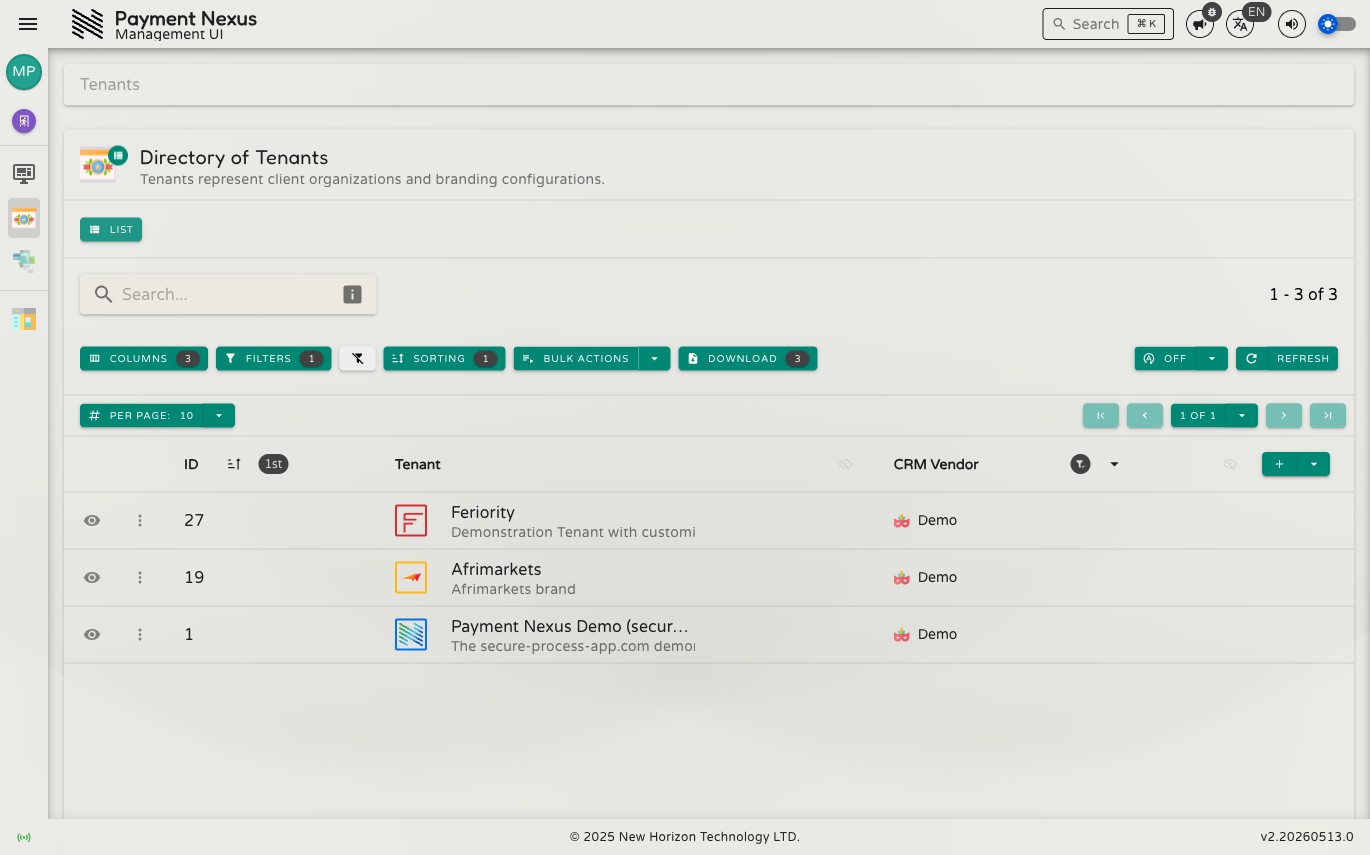
Accessibility
The interface has a set of controls in the top-right corner of the application that let you personalise how it looks, sounds, and reads.
Language
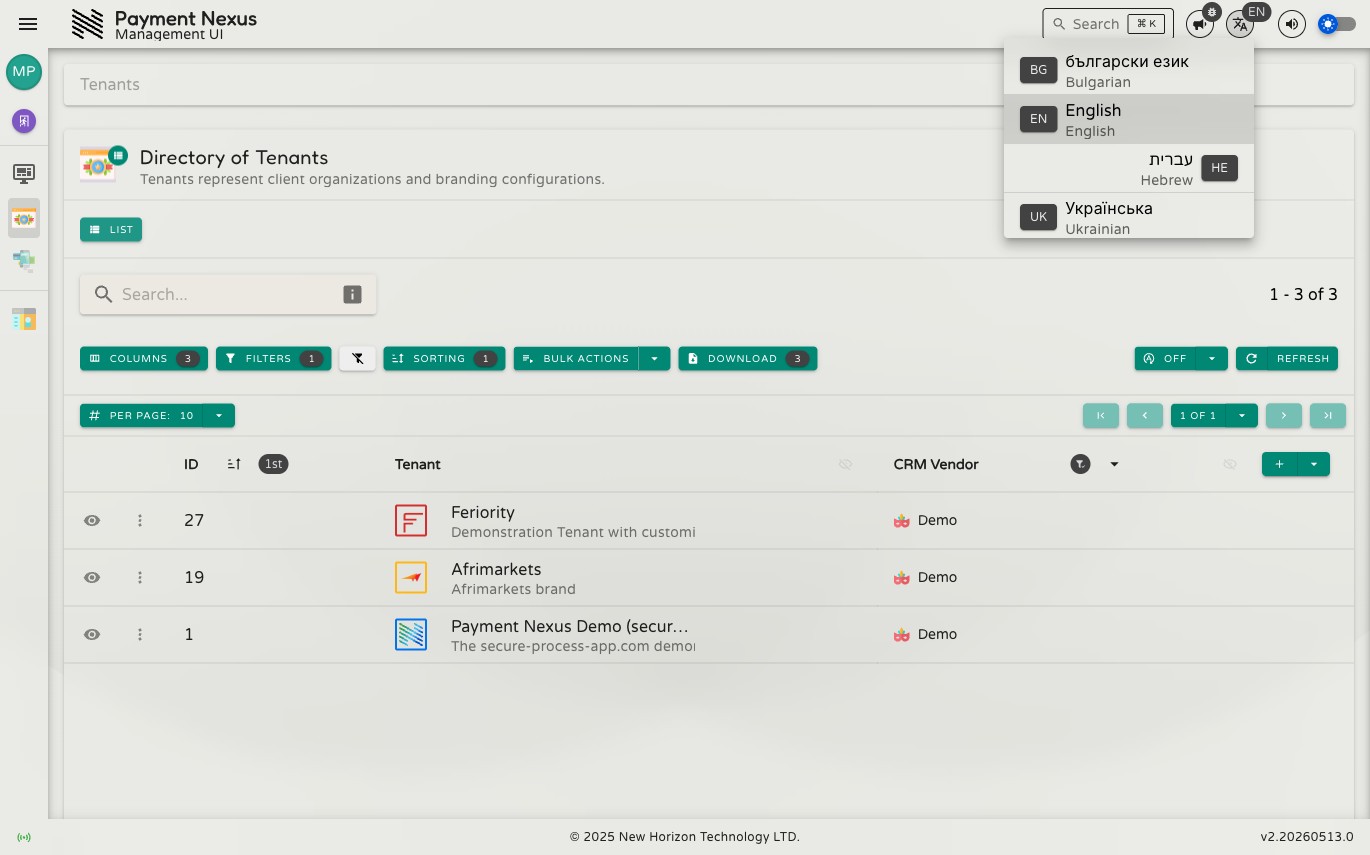
Click the language button to switch the interface language. Four languages are available:
- English (en)
- Hebrew (he)
- Bulgarian (bg)
- Ukrainian (uk)
Switching language takes effect immediately across the entire interface.
Theme
The theme toggle switches between light and dark mode. Your preference is persisted across sessions.
Sound Volume
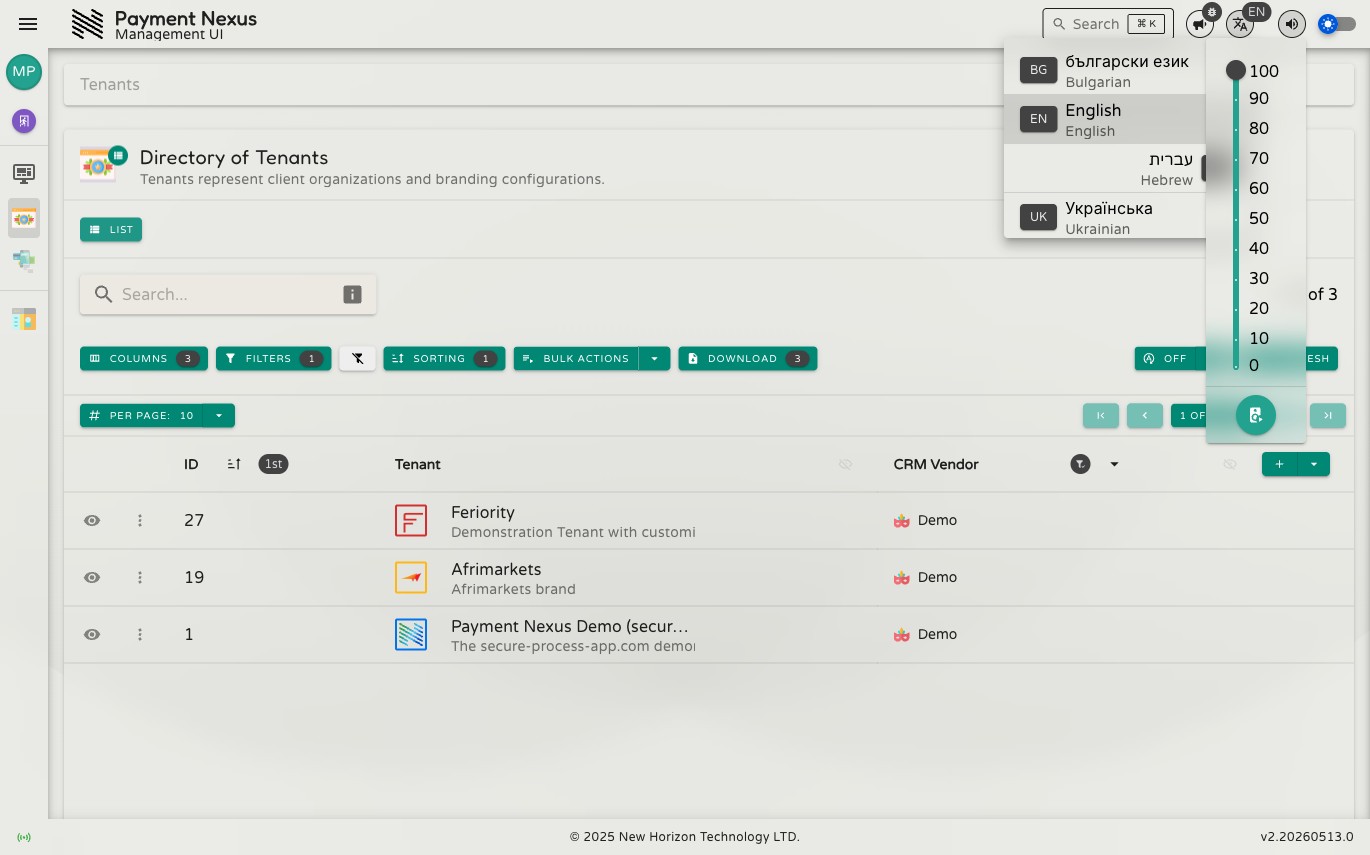
The interface plays audio feedback for certain events — completed operations, notifications, and alerts. Click the volume button to open the volume control.
Drag the slider to adjust the volume level. Click the speaker button at the bottom to play a test sound and confirm your setting. Set the slider to zero to mute all audio feedback.