

Appearance
Skip to content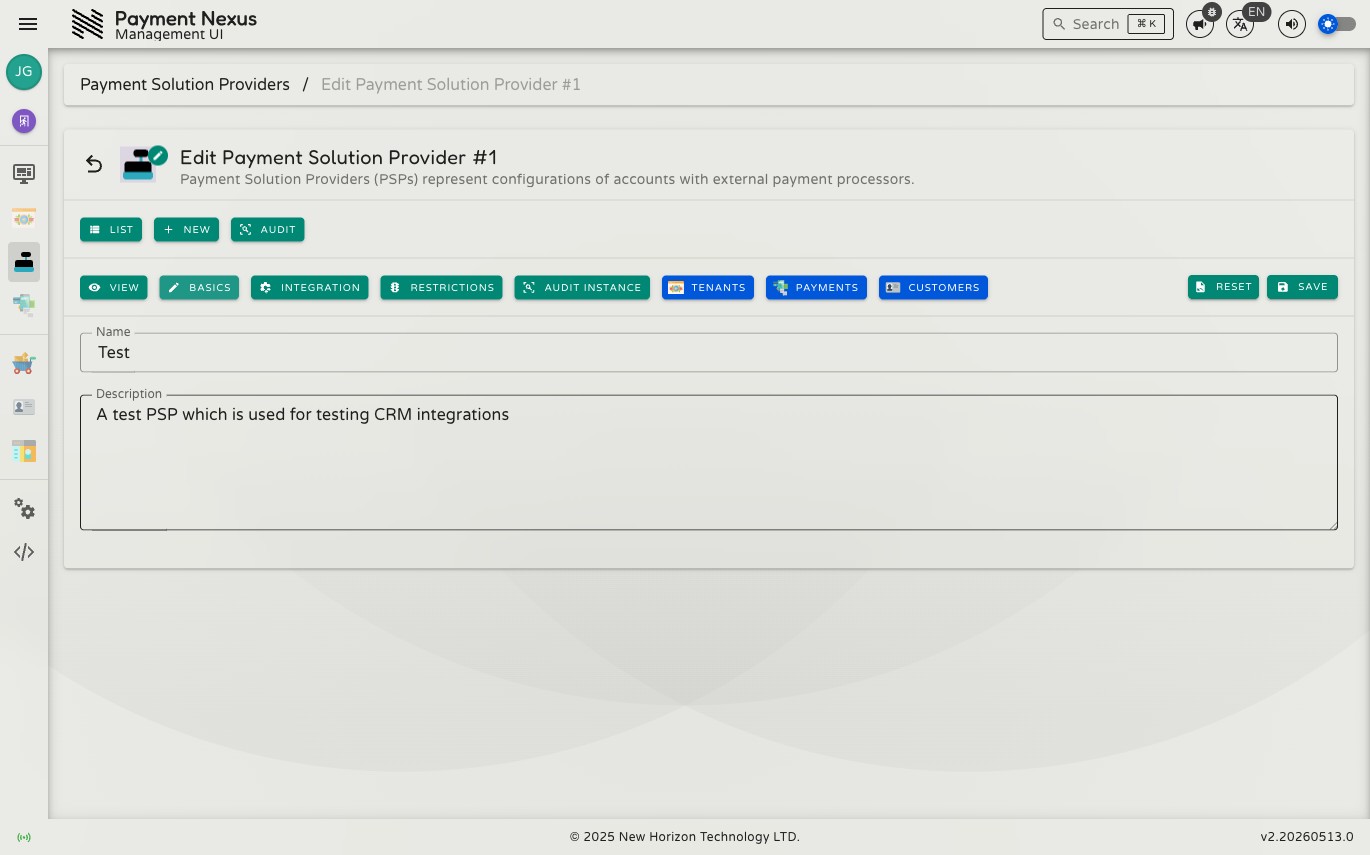
Editing a Payment Solution Provider
The Basics edit page lets you update a PSP's display name and description. All other configuration — the integration adapter, channel settings, and customer restrictions — is managed on dedicated sub-pages accessible from the same tab bar.
Permissions
| Action | Permission required |
|---|---|
| Edit a PSP | psp:update |
Fields
| Field | Required | Description |
|---|---|---|
| Name | Yes | The display name for this PSP (minimum 3 characters) |
| Description | No | A note explaining what this account is used for |
Toolbar actions
| Action | Color | Description |
|---|---|---|
| Reset | Orange | Discards all unsaved changes and restores the last saved values |
| Refresh | Blue | Reloads the saved values from the server |
| Save | Blue | Saves the current name and description |