

Appearance
Skip to content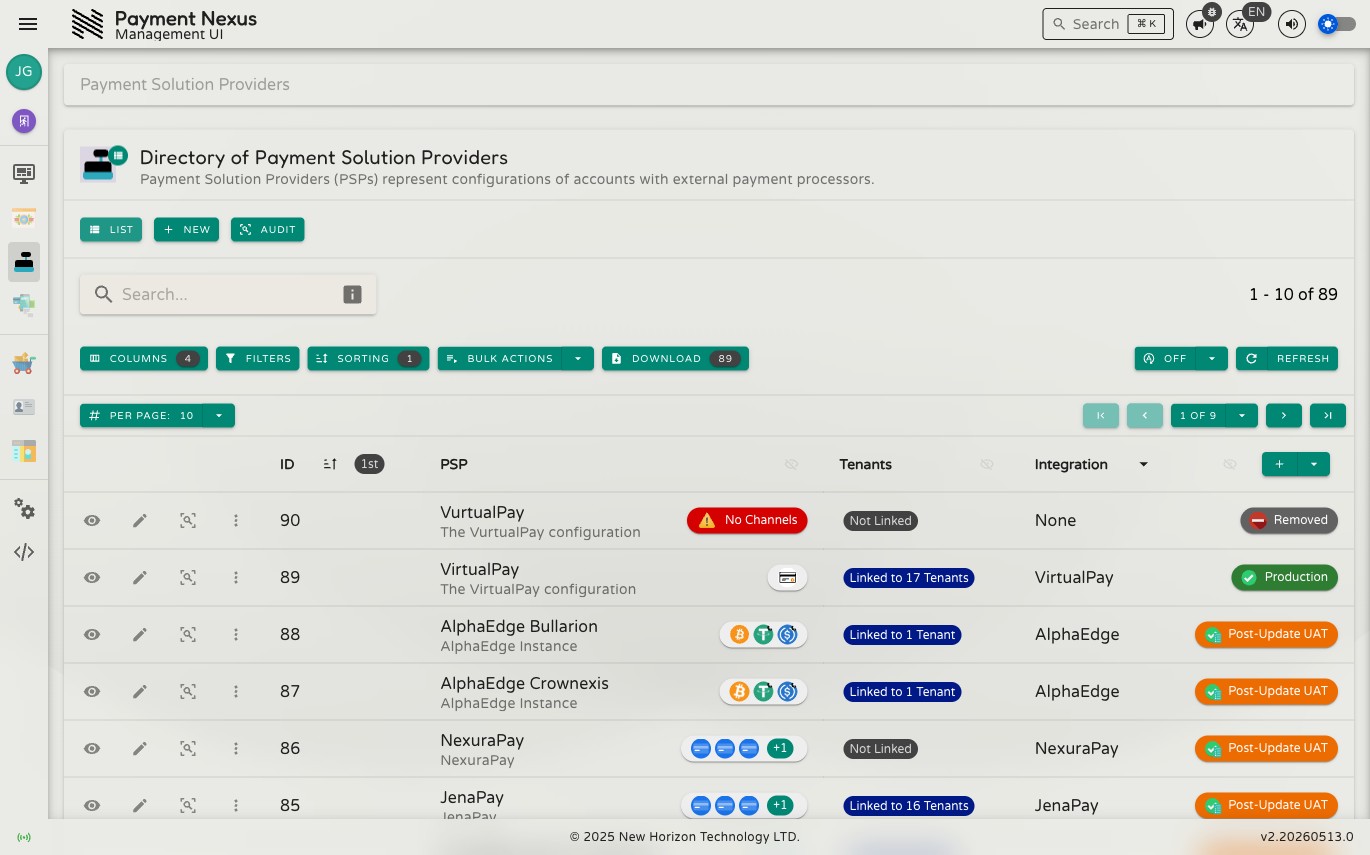
The Payment Solution Providers Module
The Payment Solution Providers (PSP) module is where you manage the external payment processor accounts that brands use to accept payments. Each PSP record represents a specific merchant account or API credential set with a payment processor. PSPs are global resources — they are created once and then assigned to one or more brands with the channels each brand should offer.
Permissions
| Action | Permission required |
|---|---|
| View the PSP list | psp:read |
| Create a new PSP | psp:create |
Directory columns
| Column | Description |
|---|---|
| ID | Internal numeric identifier |
| Name / Description | The PSP's display name and description |
| Tenants | The number of brands this PSP is currently assigned to |
| Integration | The PSP integration vendor currently configured for this account, with its release state badge |
Toolbar actions
| Action | Description |
|---|---|
| New | Opens the form to create a new PSP |
| Audit | Opens the audit log for all PSP records |
| Refresh | Reloads the list from the server |
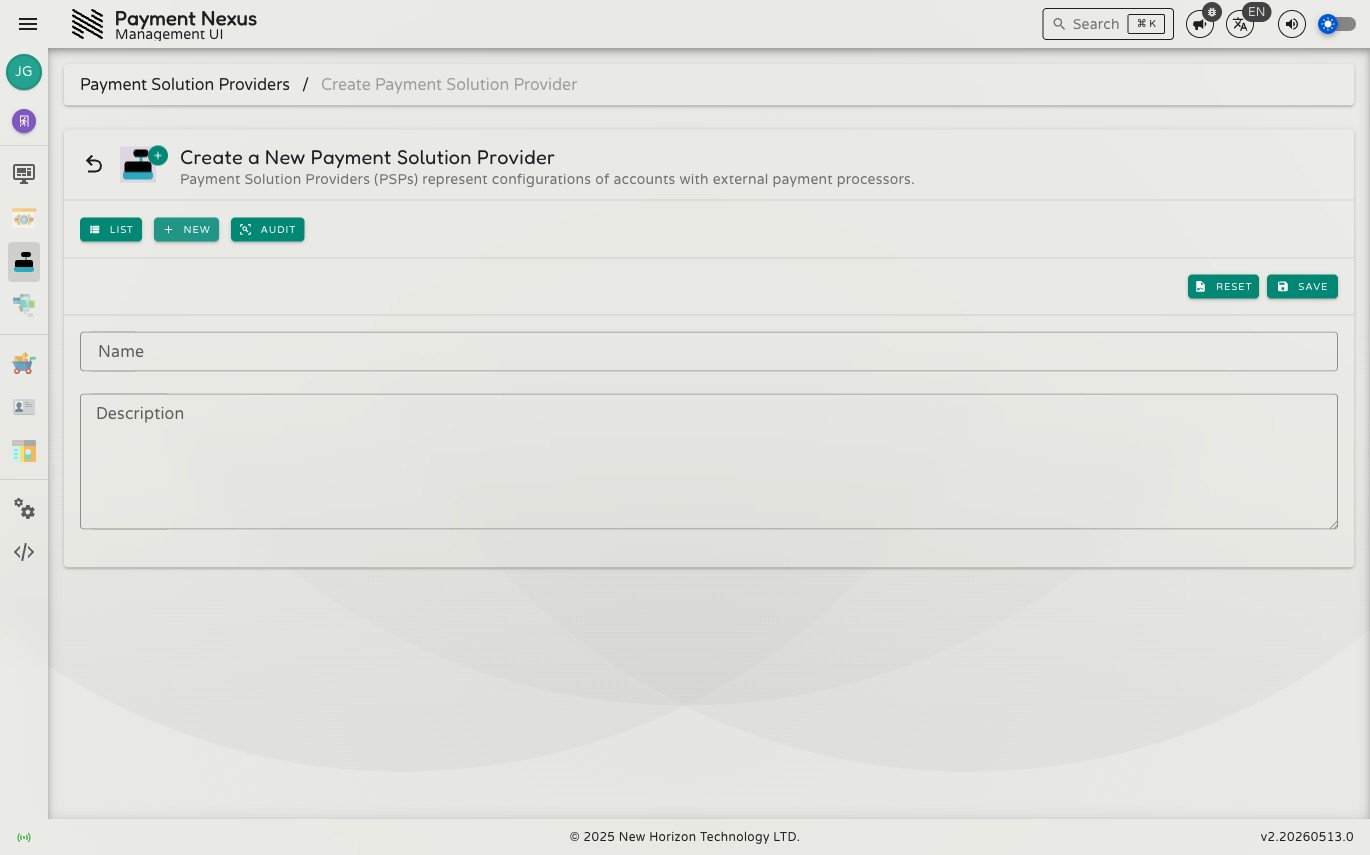
Creating a PSP
Click New in the toolbar to open the creation form.
| Field | Required | Description |
|---|---|---|
| Name | Yes | A short label identifying this PSP (minimum 3 characters) |
| Description | No | A longer note explaining what this account is used for |
After saving, the new PSP is created and you are taken to its view page. From there you can configure the integration adapter and restrictions.