

Appearance
Skip to content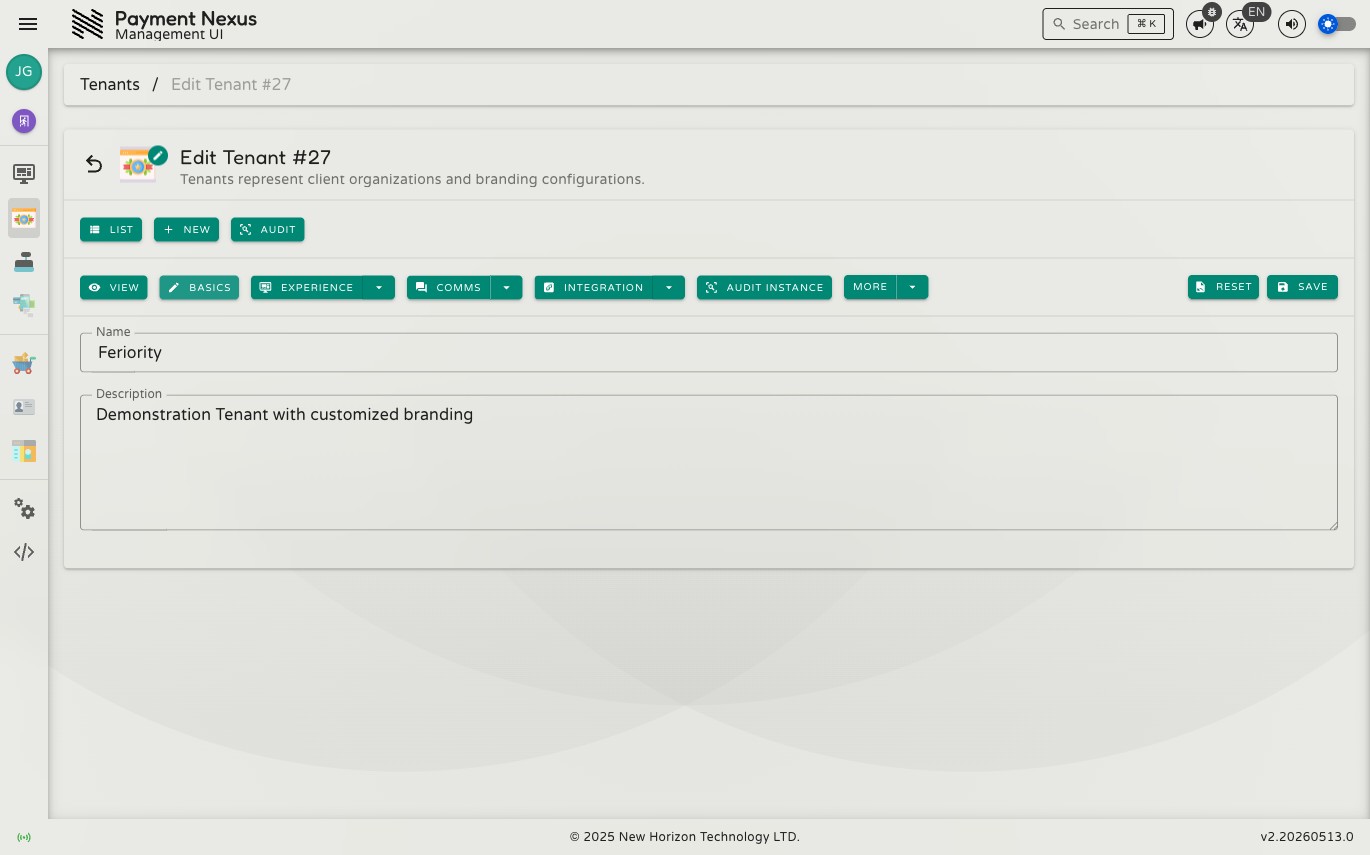
Editing a Tenant
The basic edit page covers the tenant's core identity fields. All other configuration — branding, channels, domains, client communication, and integrations — is managed through the dedicated sub-sections accessible from the tenant detail page.
Permissions
| Action | Permission required |
|---|---|
| Edit basic details | tenant:update:basic |
Fields
| Field | Type | Constraints | Description |
|---|---|---|---|
| Name | Text | Min 3 characters | The tenant's organisation name, displayed throughout the portal |
| Description | Text | Max 254 characters, optional | A short summary of the tenant's business or purpose |
Click Save to apply changes, or Reset to revert to the last saved values.