

Appearance
Skip to content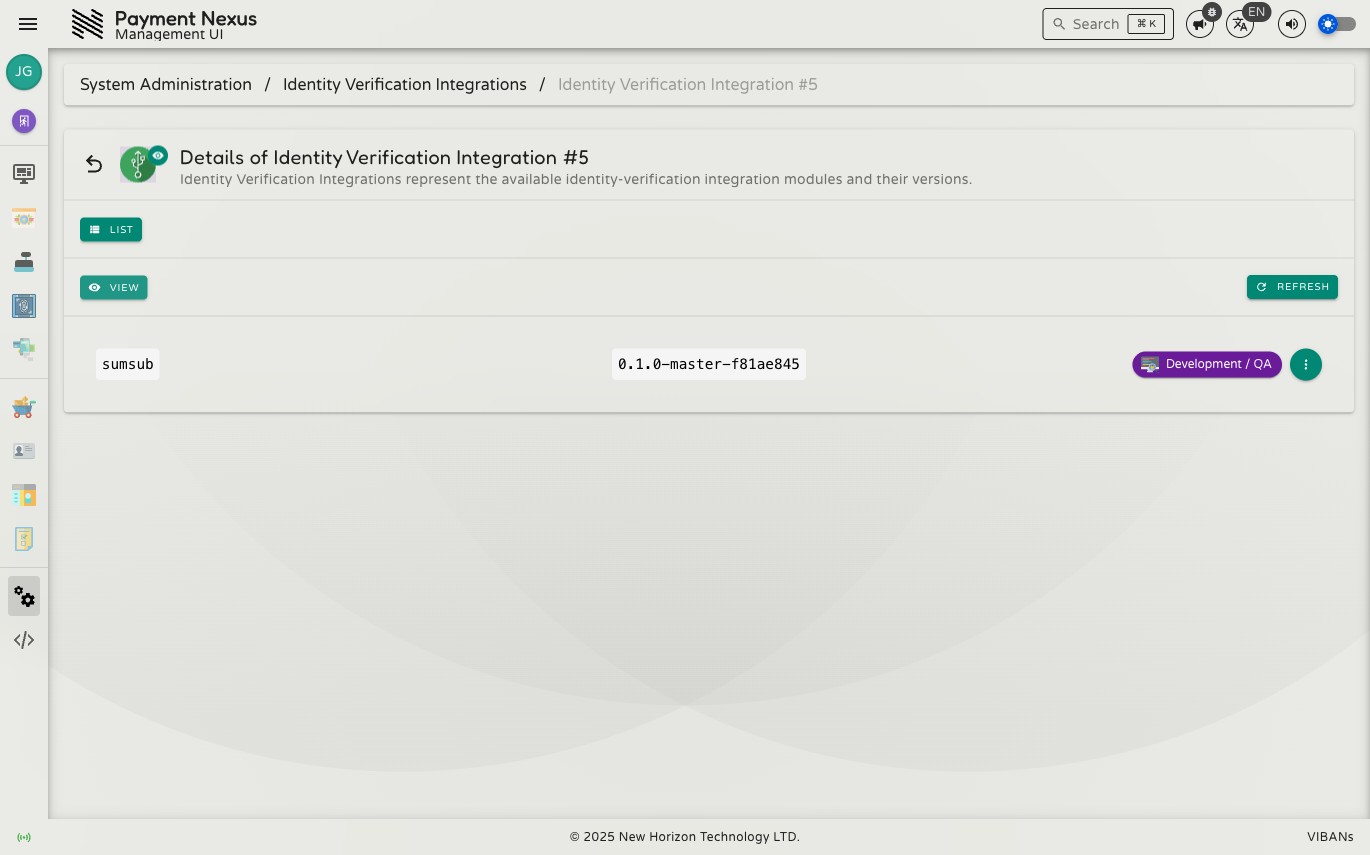
Viewing a KYC Integration
The KYC Integration details page shows the current status of a single integration record.
Fields
| Field | Description |
|---|---|
| Vendor | Human-readable KYC vendor name (e.g. Sumsub) |
| Release Version | The version string for this integration build |
| Release State | Current stage in the release pipeline |
Changing release state
Use the state control on the record to move the integration to a new release state. Some state changes require specific permissions:
- Promotion to
dev-uatrequiresintegrations:kyc:dev-uat - Promotion to
production-uatrequiresintegrations:kyc:production-uat - General state updates require
integrations:kyc:update
CRM, PSP, and KYC integrations all share the same release pipeline. For the full list of states and what they mean, see PSP Integrations — Release States.
Navigation
From the details page, you can:
- List — return to the KYC Integrations directory